| Version 1 (modified by , 9 months ago) ( diff ) |
|---|
Add component to build
Actors
Admin
Scenario
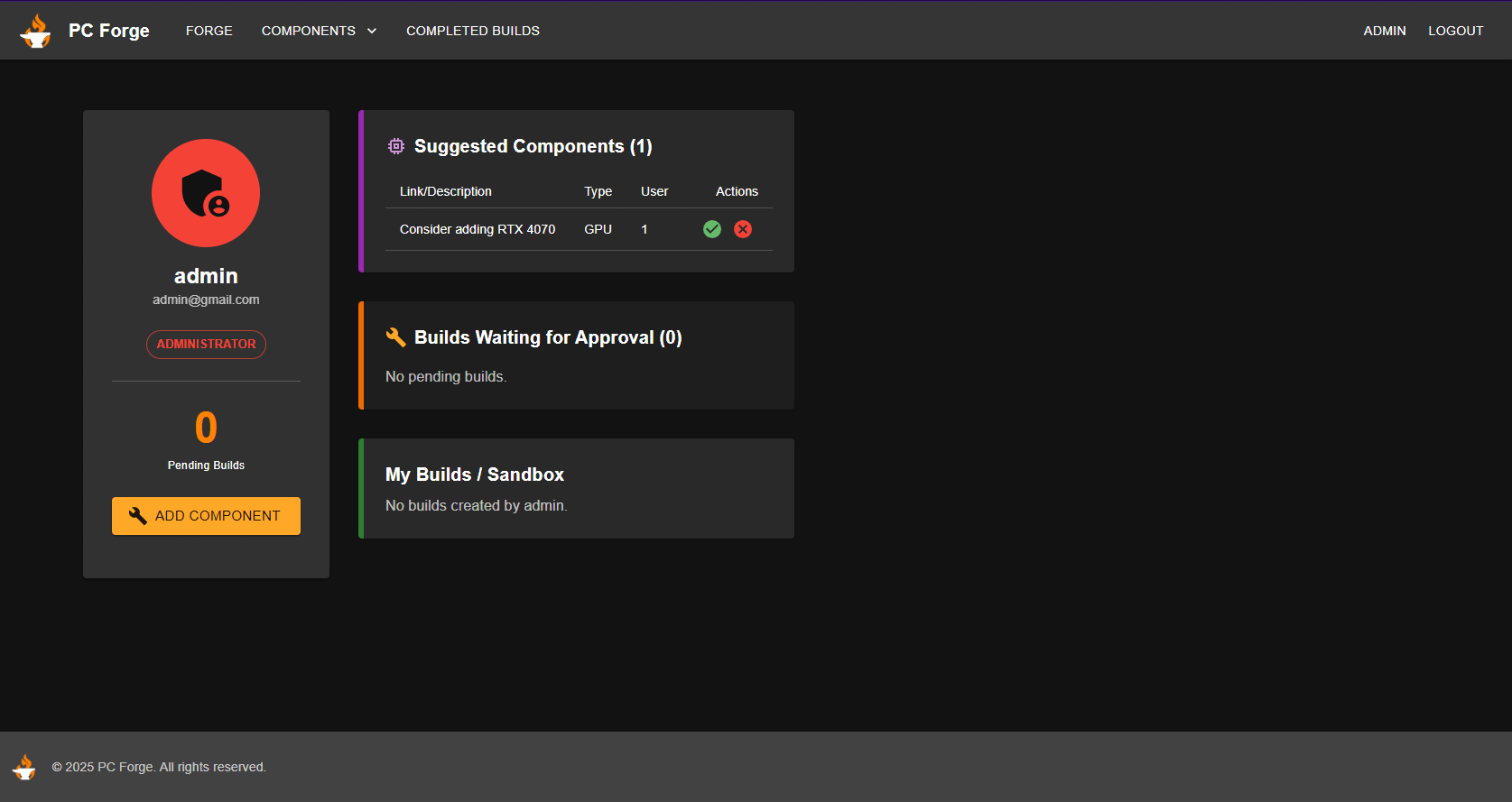
- In the admin dashboard, there is a button labeled 'Add Component' with which the admin can add any component needed. The labels and text fields are populated by back-end logic, so it's as seamless as possible.

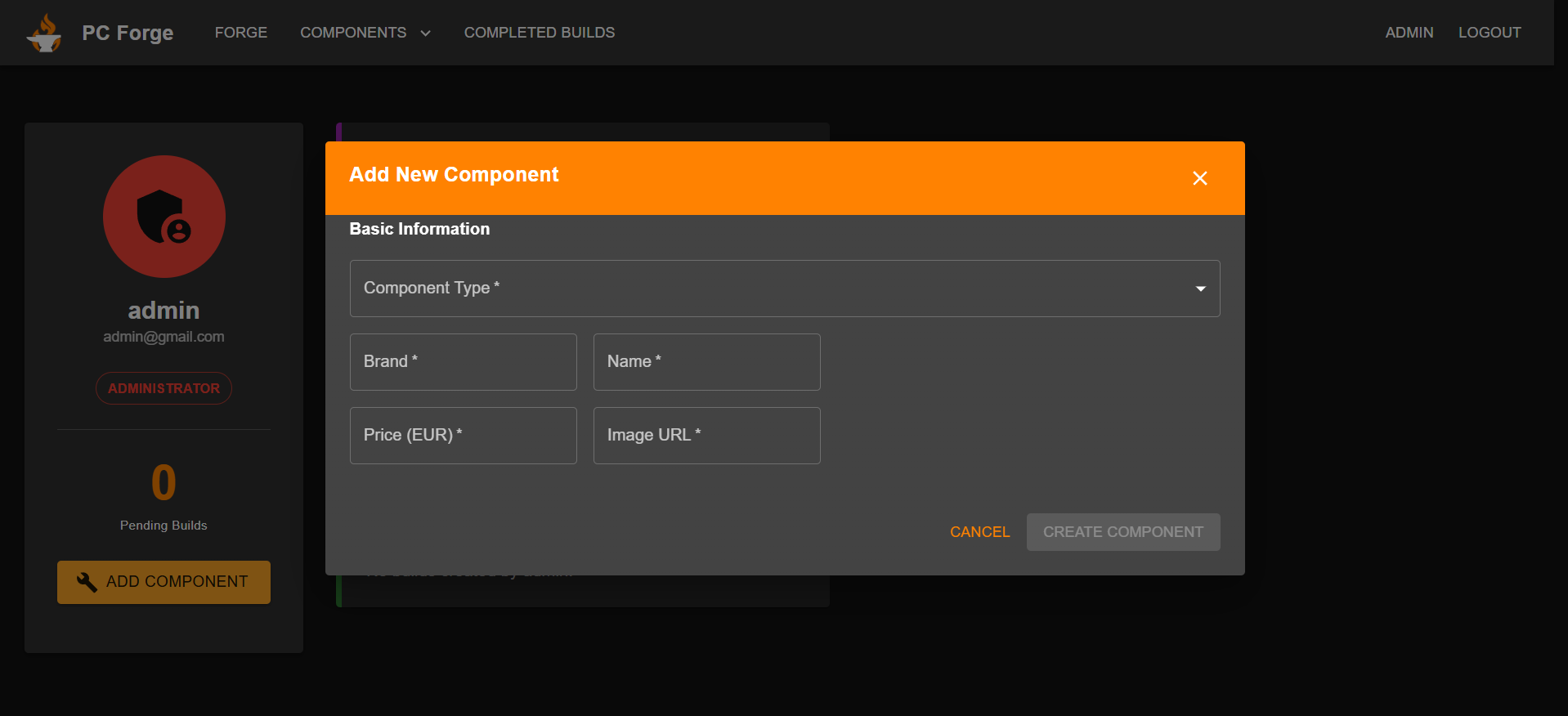
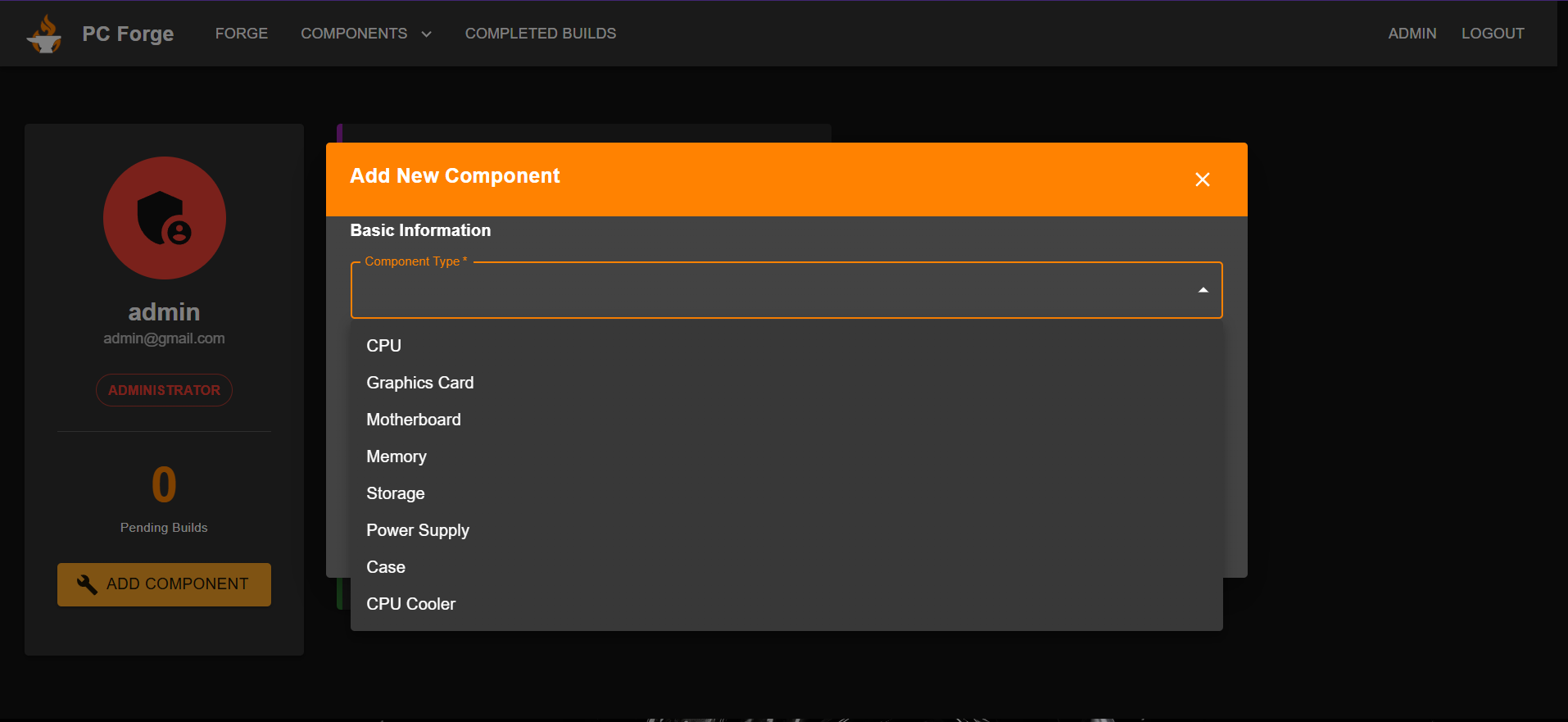
- When the button is clicked, a popup appears which has some basic information, but one of the fields is a dropdown with all the component types. The admins can choose which component they want and the fields populate.


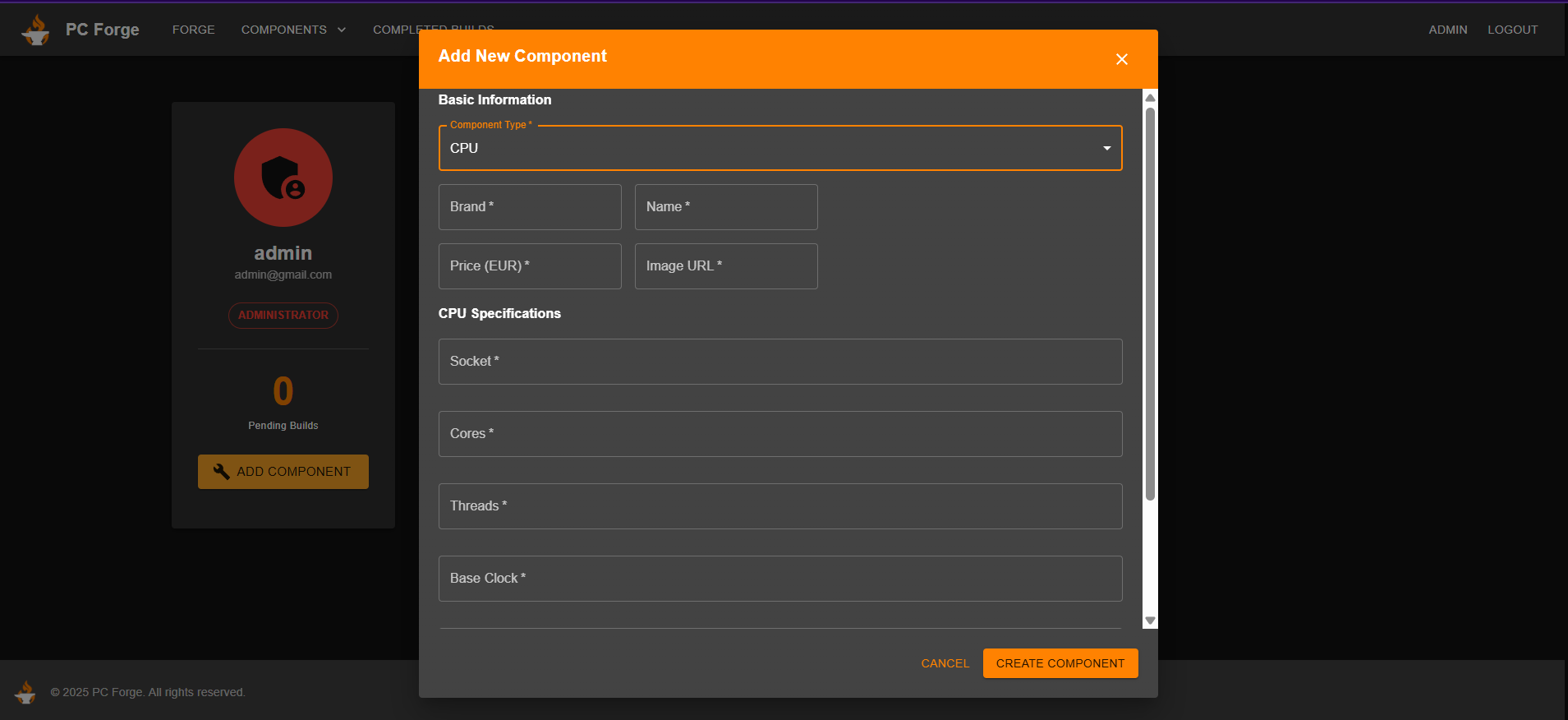
- When the admin selects a cpu, for example, it automatically populates the needed fields and then he can enter the information.

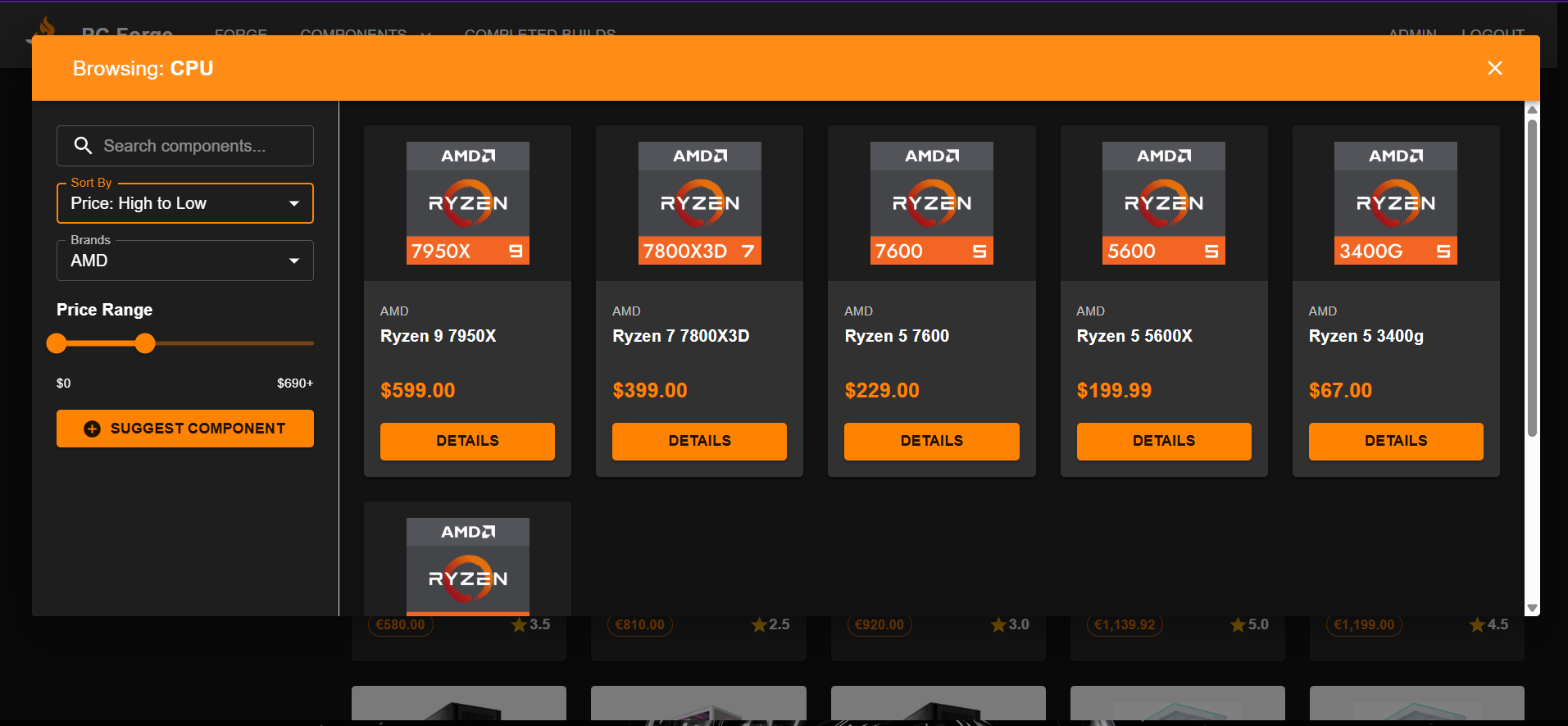
- After the admin clicks create component, the popup disappears and if we check popup with all the cpus we can see that the new cpu is inserted successfully.

BEGIN;

SELECT *
FROM build
WHERE id = $buildId
  AND user_id = $userId
LIMIT 1;

SELECT *
FROM build_component
WHERE build_id = $buildId
  AND component_id = $componentId
LIMIT 1;

INSERT INTO build_component (build_id, component_id)
VALUES ($buildId, $componentId);

SELECT c.price
FROM build_component bc
JOIN components c ON c.id = bc.component_id
WHERE bc.build_id = $buildId;

UPDATE build
SET total_price = (
  SELECT COALESCE(ROUND(SUM(c.price), 2), 0)
  FROM build_component bc
  JOIN components c ON c.id = bc.component_id
  WHERE bc.build_id = $buildId
)
WHERE id = $buildId;

COMMIT;

Attachments (5)
- component.png (57.1 KB ) - added by 9 months ago.
- componentpopup.png (69.4 KB ) - added by 9 months ago.
- newComponent.png (133.1 KB ) - added by 9 months ago.
- populatedfields.png (63.7 KB ) - added by 9 months ago.
- componentdropdown.png (80.0 KB ) - added by 9 months ago.
Download all attachments as: .zip
Note:
See TracWiki
for help on using the wiki.