| Version 6 (modified by , 9 months ago) ( diff ) |
|---|
Editing the user's build
Actors
User, Admin
Scenario
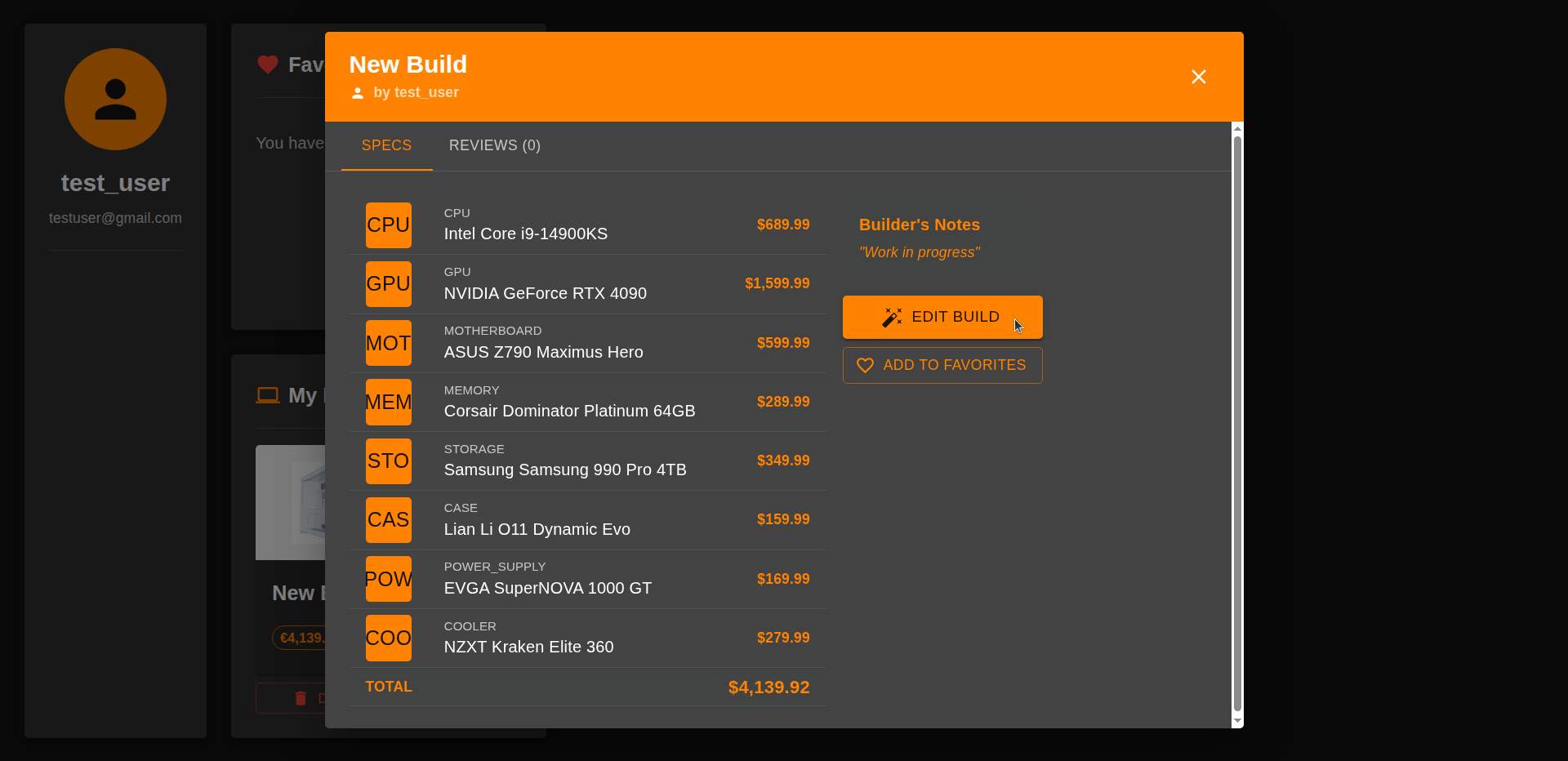
- In their dashboard, the user clicks on the desired build, and in the details popup on "EDIT"

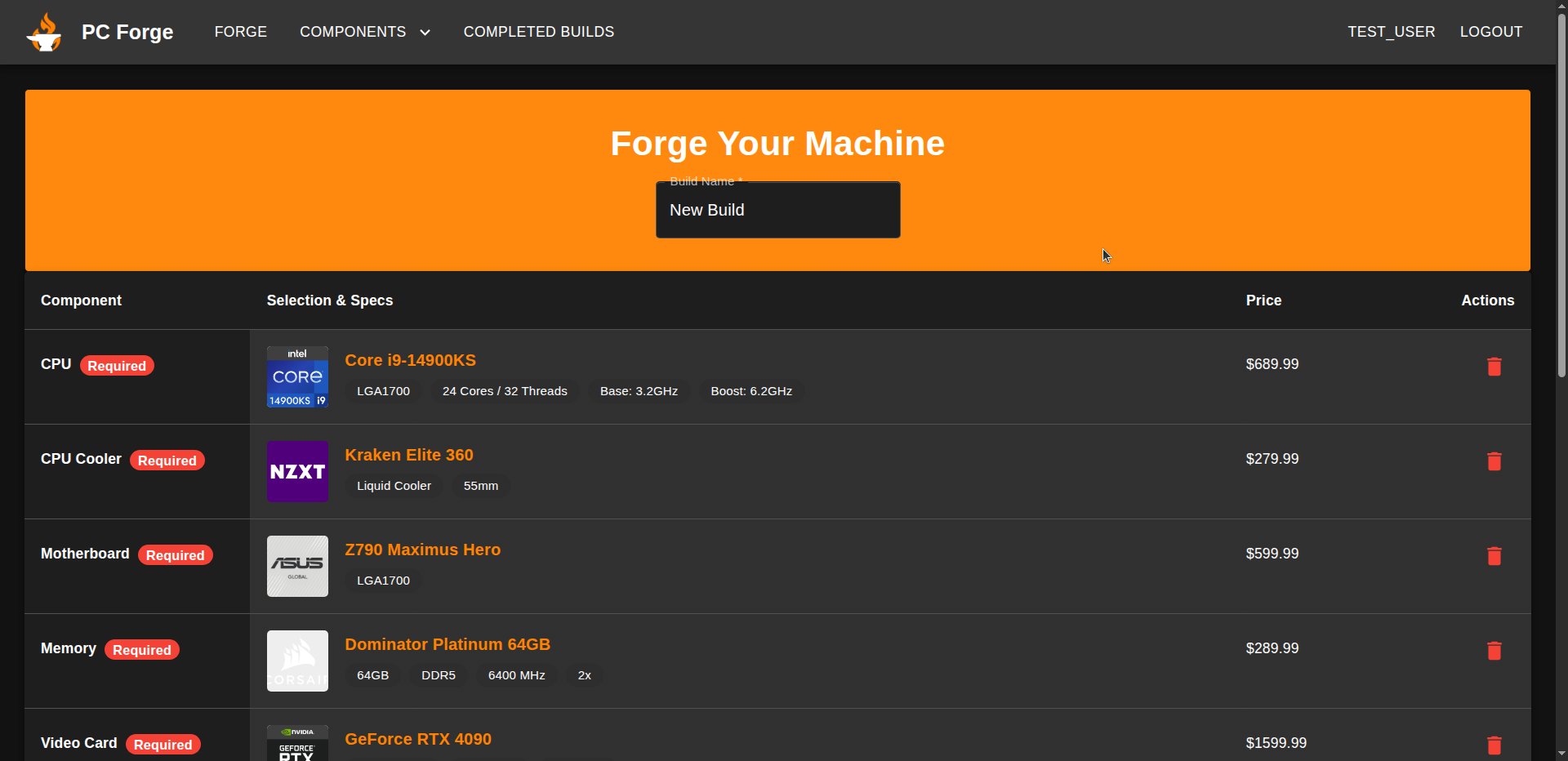
- They are redirected to the forge where they can proceed with editing their build
SELECT id
FROM build
WHERE id = $buildId
  AND user_id = $userId
  AND is_approved = false
LIMIT 1;
BEGIN;

SELECT
  b.id,
  b.user_id,
  b.is_approved,
  b.name,
  b.description,
  b.total_price,
FROM builds b
WHERE b.id = $1
  AND b.user_id = $2
LIMIT 1;

SELECT
  bc.component_id
FROM build_components bc
WHERE bc.build_id = $1;

COMMIT;

Attachments (2)
- editBuildButton.png (141.5 KB ) - added by 9 months ago.
- editPage.png (154.0 KB ) - added by 9 months ago.
Download all attachments as: .zip
Note:
See TracWiki
for help on using the wiki.