| Version 9 (modified by , 9 months ago) ( diff ) |
|---|
View of all components & their details
Actors
Guest, User, Admin
Scenario
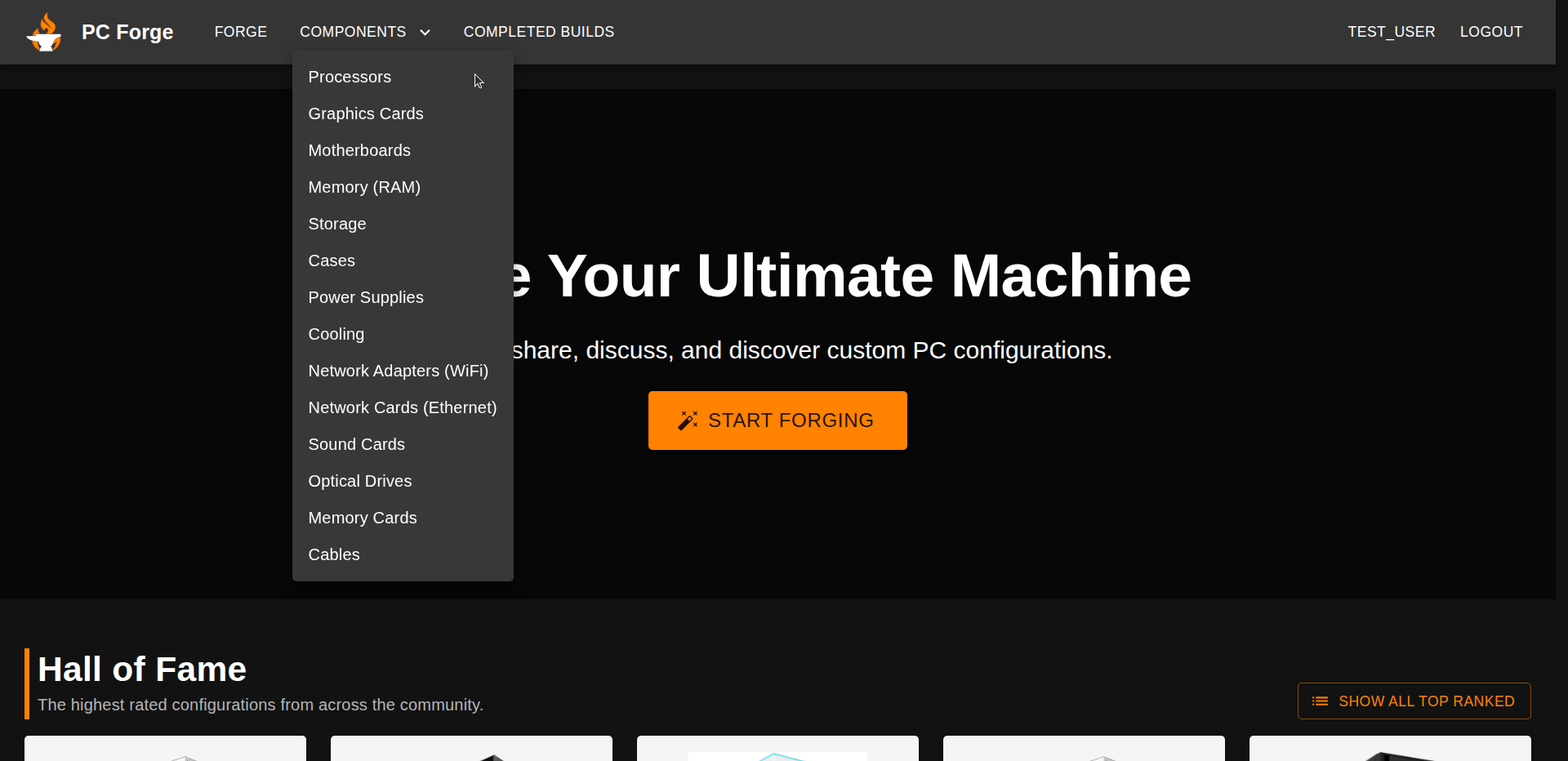
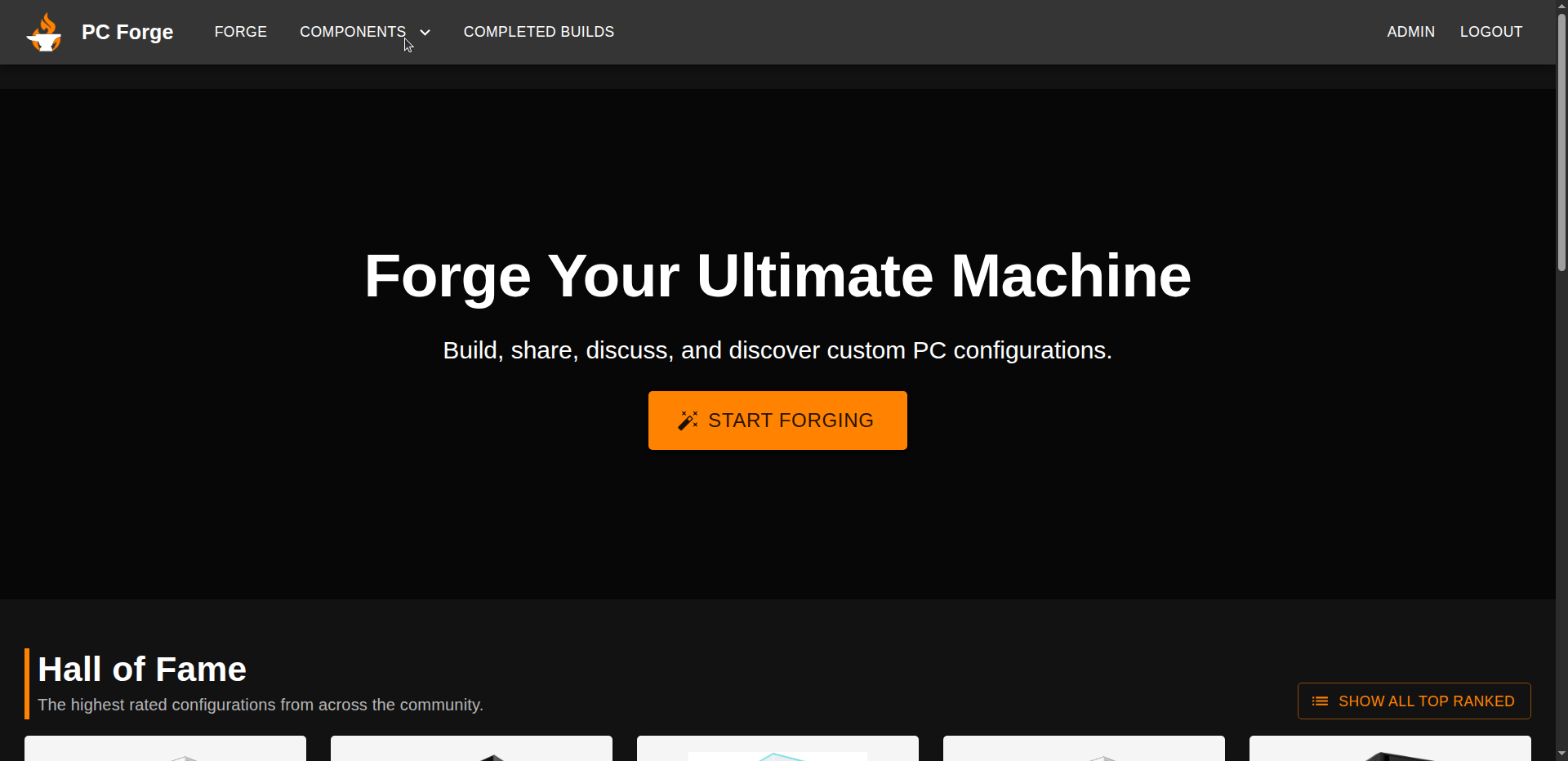
- The user clicks on the "COMPONENTS" dropdown

- A list of all the component types is displayed and the users chooses one

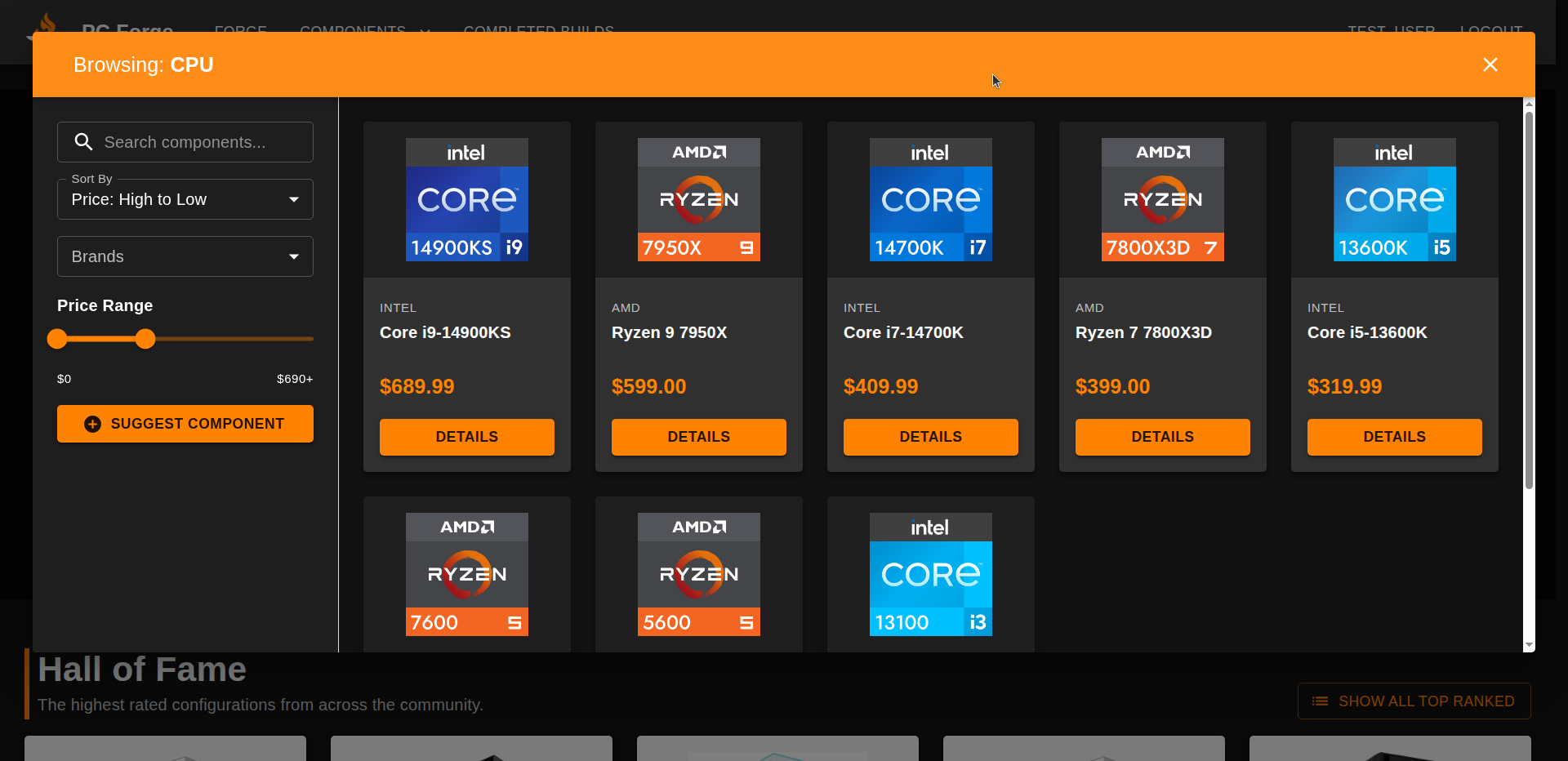
- A popup of all the components of that type is displayed
SELECT *
FROM components
WHERE name ILIKE ('%' || $q || '%')
ORDER BY
  CASE WHEN $sort = 'price_asc'  THEN price END ASC,
  CASE WHEN $sort = 'price_desc' THEN price END DESC,
  price DESC
LIMIT COALESCE($limit, 100);

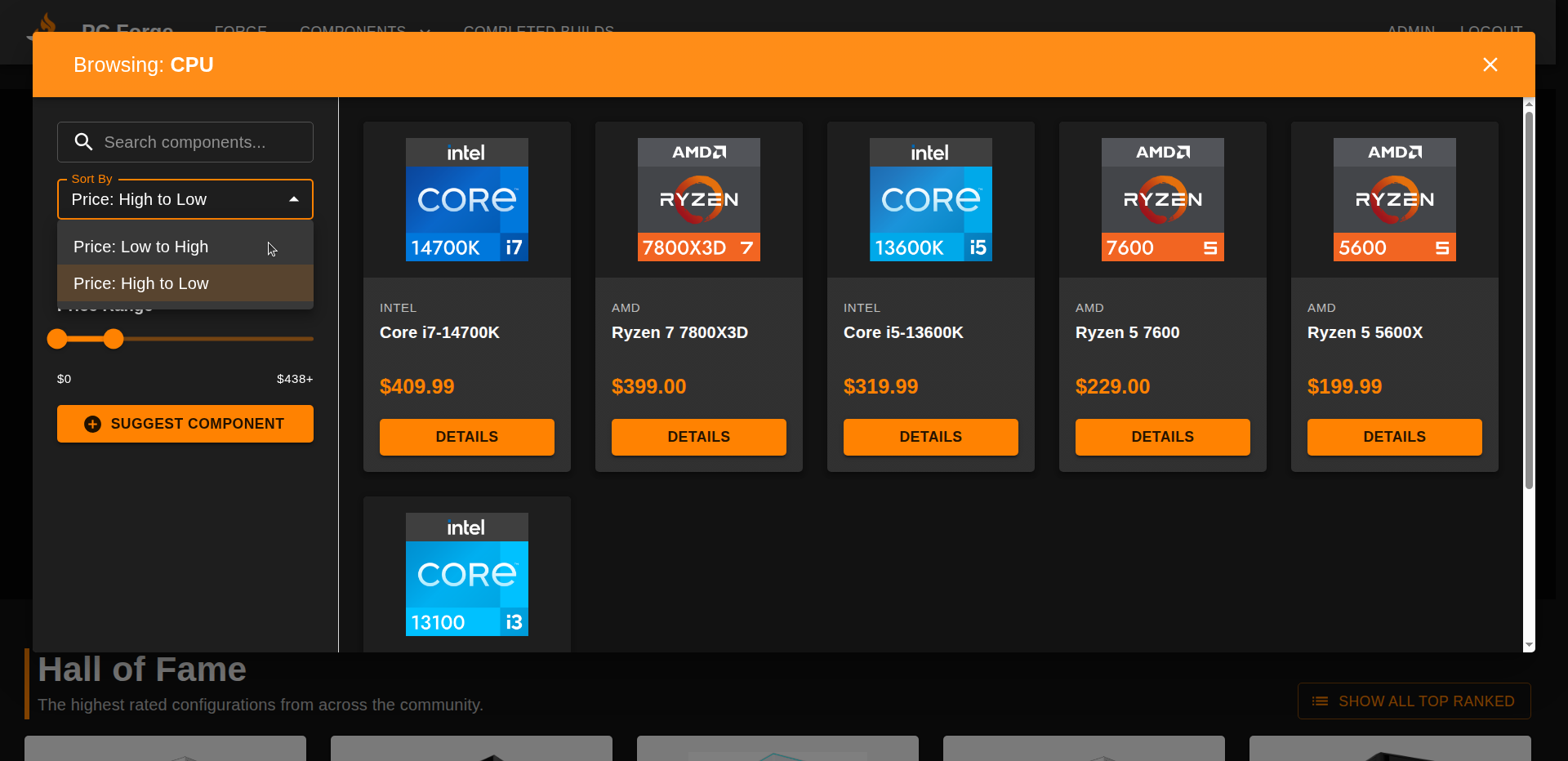
- The user can sort by price

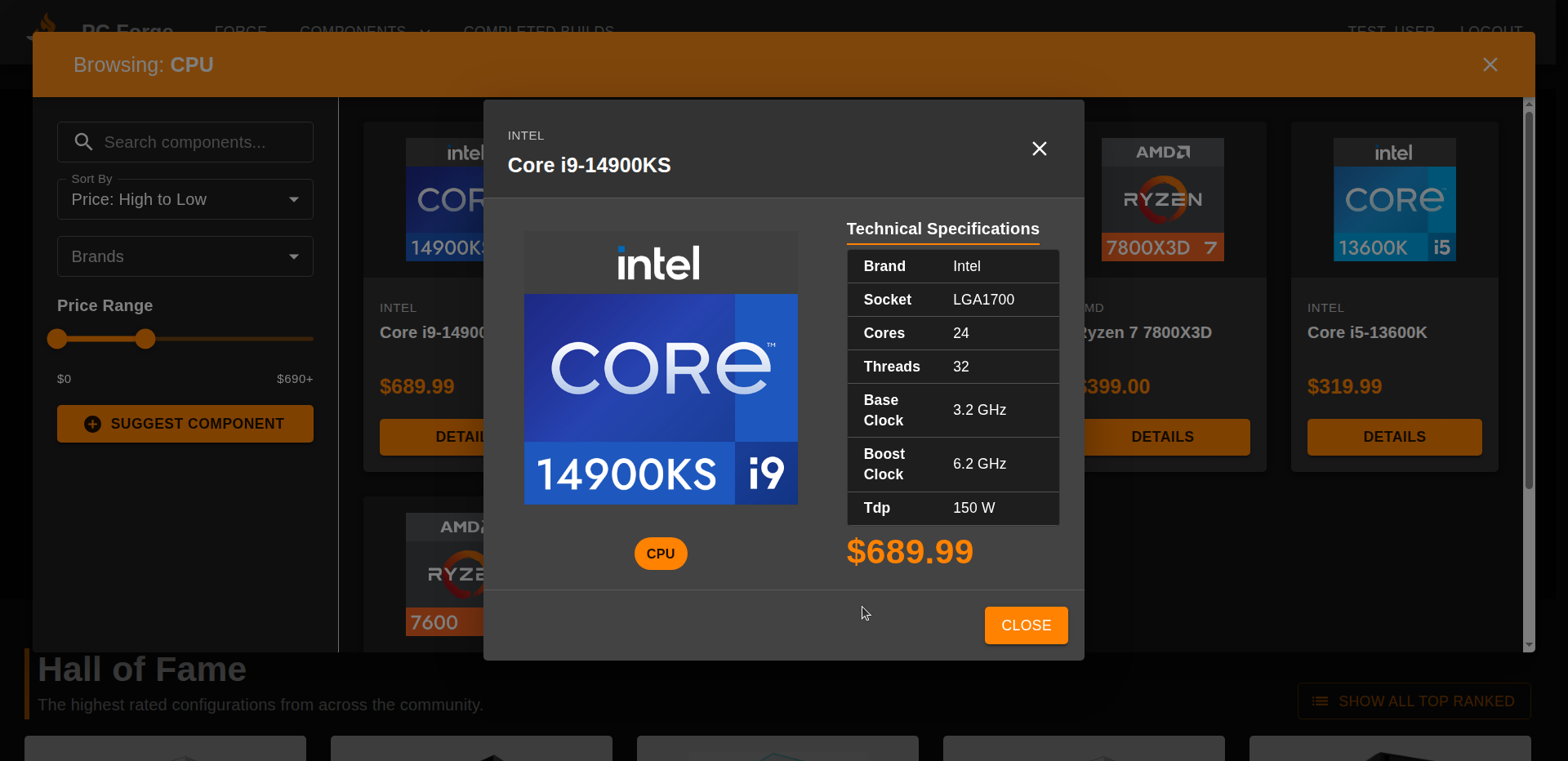
- The users can view the details of a component by clicking on it
SELECT *
FROM components
WHERE id = $componentId
LIMIT 1;

SELECT *
FROM $details_table   -- cpu/gpu/memory/storage/power_supply/motherboard/pc_case/cooler/...
WHERE component_id = $componentId
LIMIT 1;

-- if type == pc_case:
SELECT * FROM case_storage_form_factors WHERE case_id = $componentId;
SELECT * FROM case_ps_form_factors      WHERE case_id = $componentId;
SELECT * FROM case_mobo_form_factors    WHERE case_id = $componentId;

-- if type == 'cooler':
SELECT * FROM cooler_cpu_sockets WHERE cooler_id = $componentId;

Attachments (5)
- componentsDropdown.png (113.9 KB ) - added by 9 months ago.
- componentsList.png (181.4 KB ) - added by 9 months ago.
- componentsDetails.png (203.7 KB ) - added by 9 months ago.
- clickComponents.png (76.6 KB ) - added by 9 months ago.
- sortByPrice.png (158.0 KB ) - added by 9 months ago.
Download all attachments as: .zip
Note:
See TracWiki
for help on using the wiki.