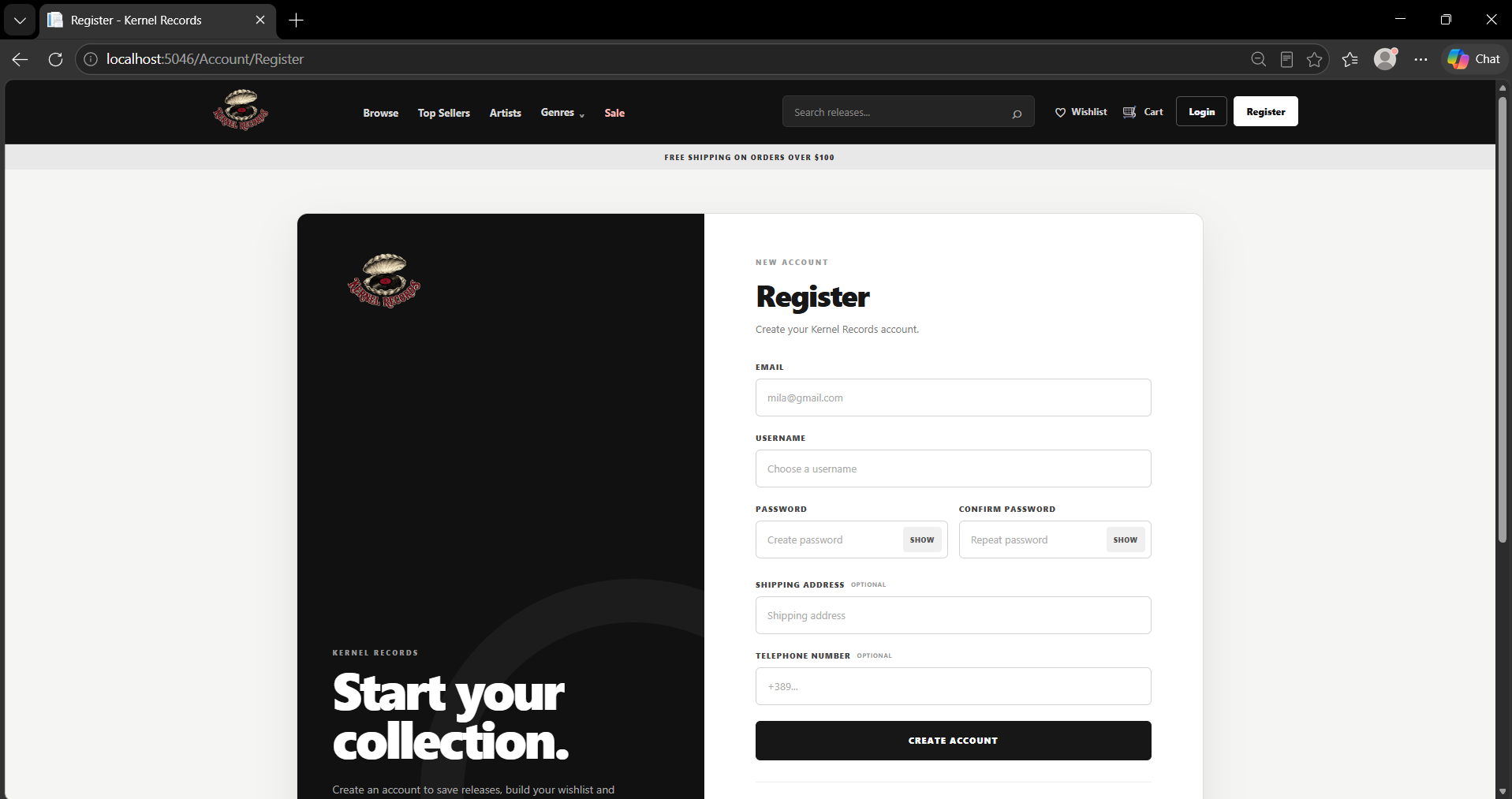
UseCase001 Implementation - Registering a user
Initiating actor: Unregistered Guest
The goal of this use case is to allow a new visitor to create an account by providing the required registration information. Before creating the account, the system verifies that the submitted email address and username are not already associated with an existing user. After successful registration, a new User record and a corresponding Consumer record are created, allowing the user to access functionality available to registered consumers.
Scenario
- User provides the required registration details, including an email address, username and password. The shipping address and telephone number fields are optional.

- System checks whether the submitted email address or username is already present in the User table. Registration can proceed only if both values are available.
SELECT EXISTS (
SELECT 1
FROM project.users AS u
WHERE u.email = @__model_Email_0
);
SELECT EXISTS (
SELECT 1
FROM project.users AS u
WHERE u.username = @__model_Username_0
);
- After the uniqueness checks succeed, the system inserts a new record into the User table containing the registration information and account creation date. The database generates the new user_id and returns it to the application.
INSERT INTO project.users
(date_created, email, password, shipping_address, telephone_number, username)
VALUES
(@p0, @p1, @p2, @p3, @p4, @p5)
RETURNING user_id;
- Using the newly created user_id, the system creates a corresponding record in the Consumer table and initializes the consumer's collected points. This establishes the relationship between the general User account and its Consumer-specific data.
INSERT INTO project.consumers
(user_id, points_collected)
VALUES
(@p0, @p1);
- After both records are successfully created, the registration process is completed and the new account becomes available for authentication and use.
Last modified
6 weeks ago
Last modified on 09/11/26 06:49:48
Attachments (1)
- register.png (107.5 KB ) - added by 6 weeks ago.
Download all attachments as: .zip
Note:
See TracWiki
for help on using the wiki.