| Version 1 (modified by , 7 months ago) ( diff ) |
|---|
- Access Support Tickets:
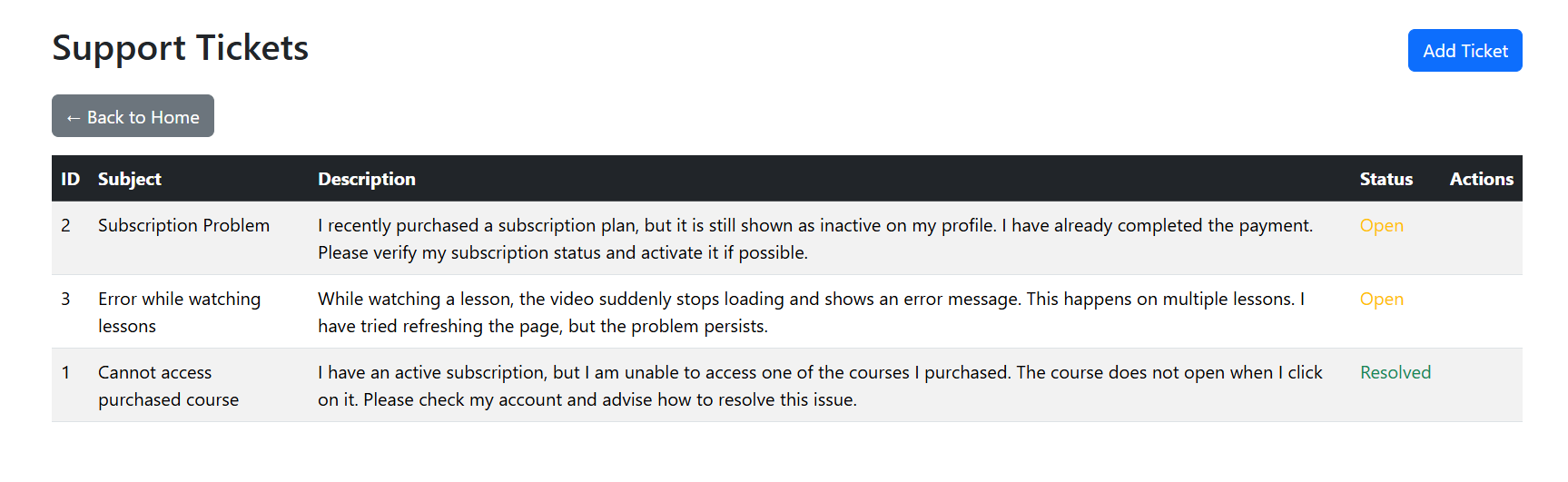
From the home page, the user clicks on Support Ticket in the navigation menu, where the system redirects the user to the Support Tickets page.

- View Existing Support Tickets:
The user can see a list of all previously created support tickets
For each ticket, the following information is displayed: Ticket ID, Subject, Description, Status(Open, Resolved)

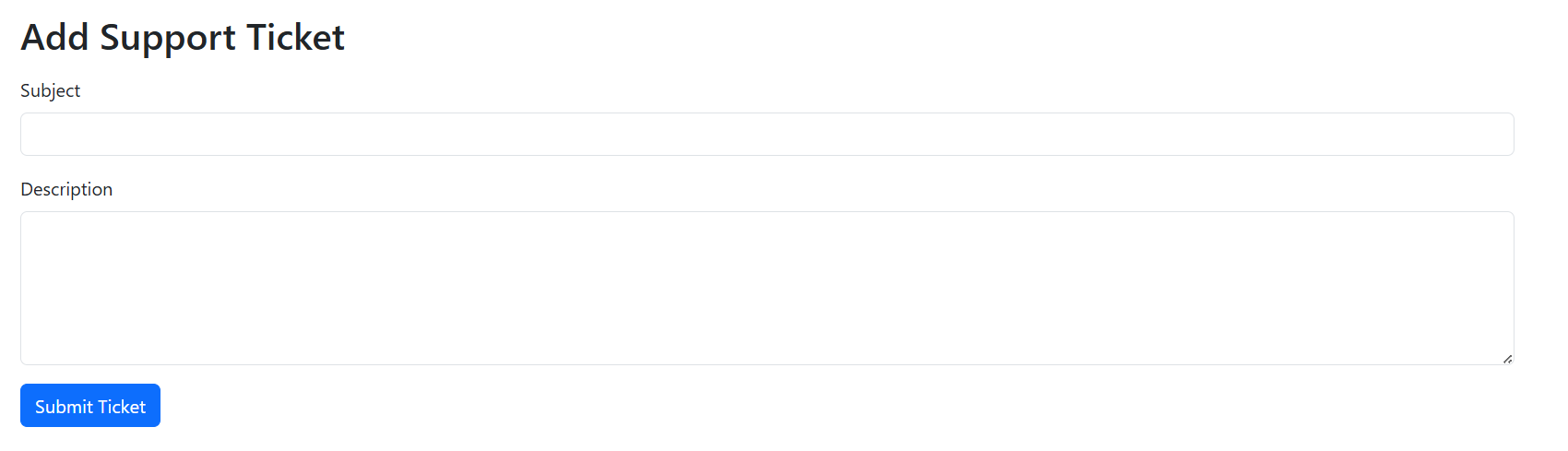
- Create a New Support Ticket
The user clicks the Add Ticket button, where they must enter the ticket details (Subject and Description).
The user clicks the Submit Ticket button, and the system saves the ticket and assigns it an initial status (Open).

Attachments (3)
- UserPage.PNG (67.0 KB ) - added by 7 months ago.
- AddTicket.PNG (14.1 KB ) - added by 7 months ago.
- SupTicket.PNG (62.4 KB ) - added by 7 months ago.
Download all attachments as: .zip
Note:
See TracWiki
for help on using the wiki.