| Version 3 (modified by , 7 months ago) ( diff ) |
|---|
- User Login:
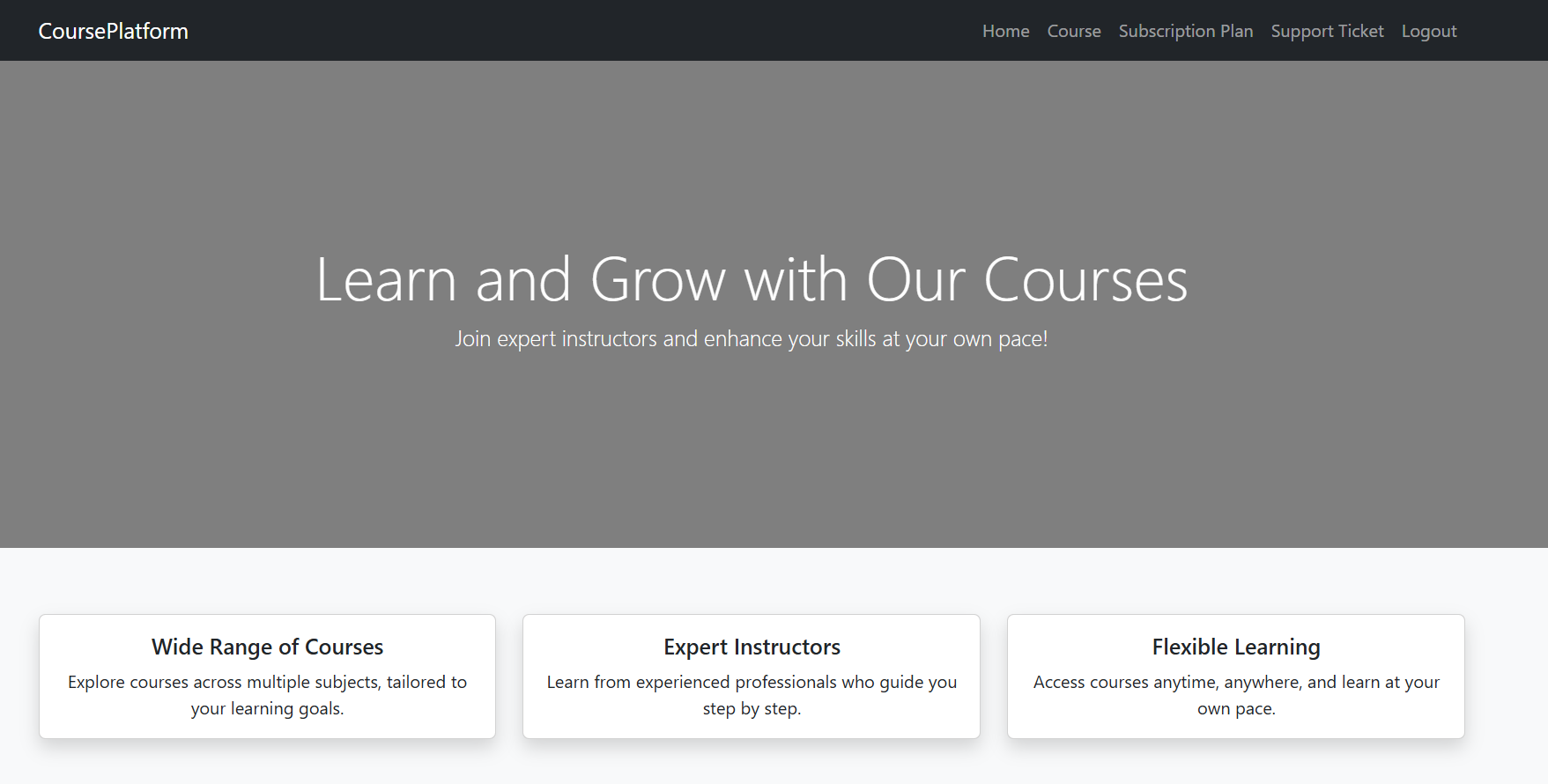
After a successful login, the main navigation menu becomes available, including the Subscription Plan option.

- Access Subscription Plans
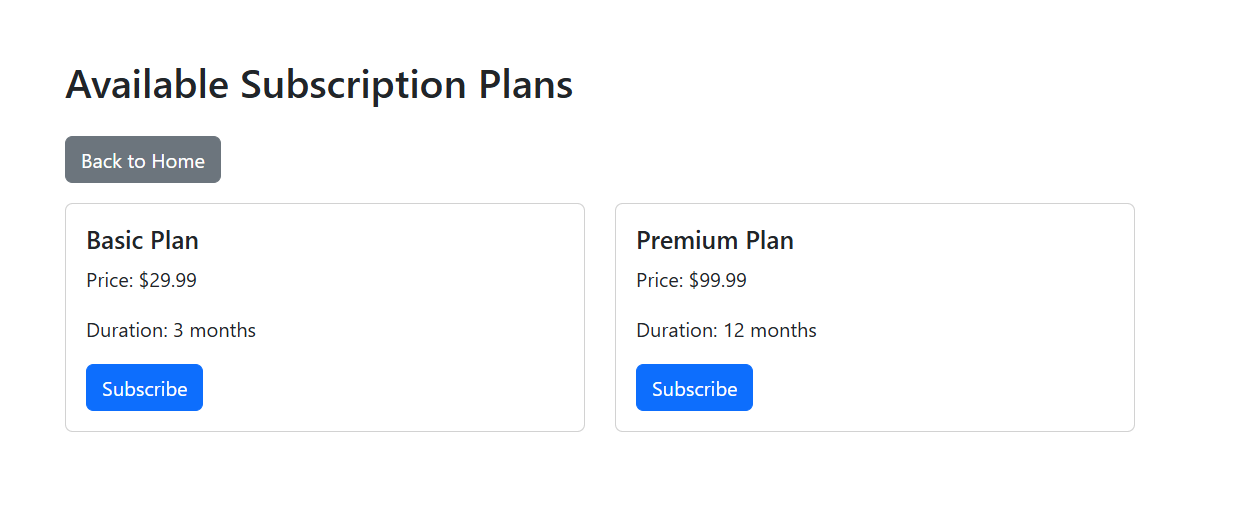
By selecting the Subscription Plan, the system redirects the user to the Available Subscription Plans page, where all active subscription plans are displayed.
Each subscription plan includes: Plan name (Basic Plan or Premium Plan), Price, Duration, and Subscribe button.

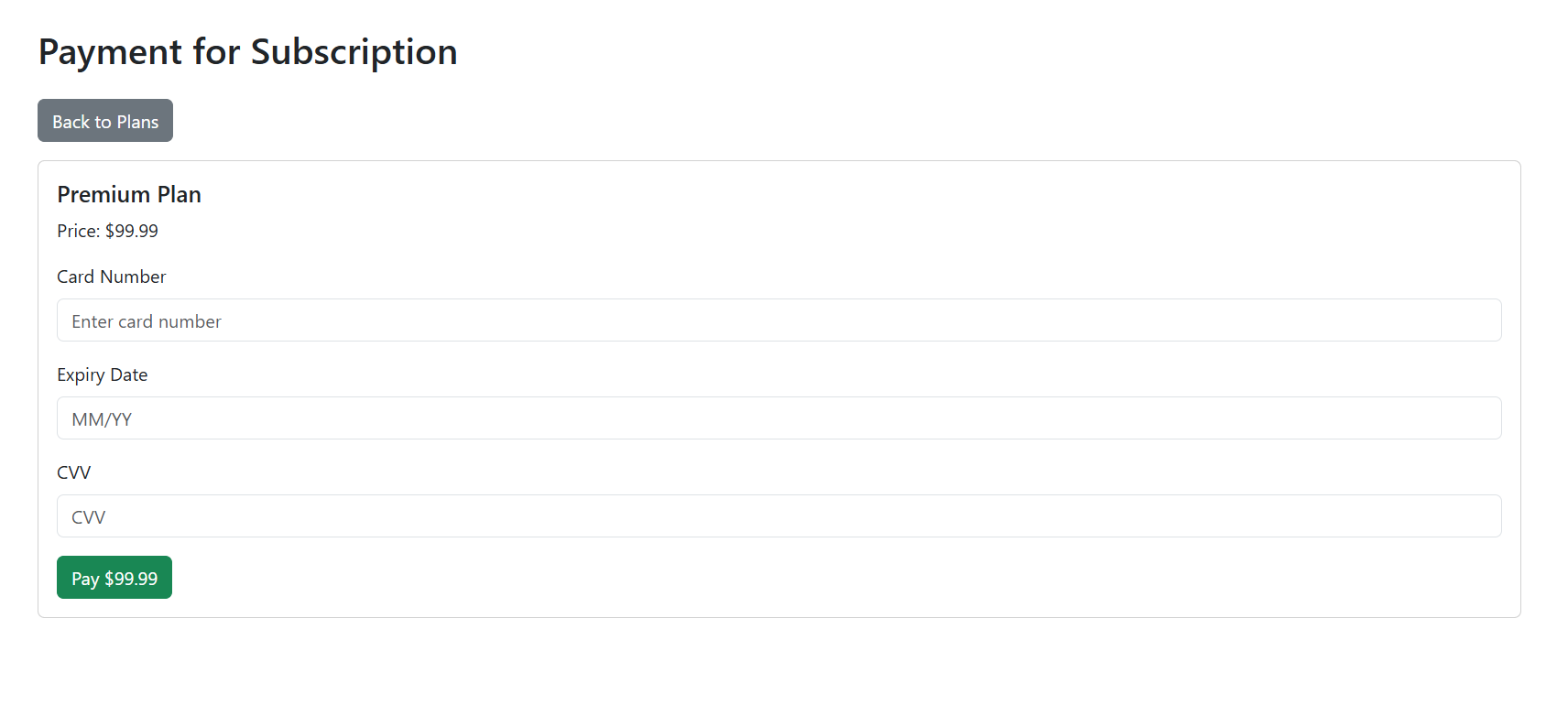
- After clicking Subscribe, the selected subscription plan is assigned to the user account. Once subscribed, the user is allowed to enroll in courses available on the platform for the duration of the active subscription.
Attachments (3)
- UserPage.PNG (63.3 KB ) - added by 7 months ago.
- AvailableSub.PNG (23.2 KB ) - added by 7 months ago.
- Payment.PNG (29.4 KB ) - added by 7 months ago.
Download all attachments as: .zip
Note:
See TracWiki
for help on using the wiki.