| Version 7 (modified by , 3 months ago) ( diff ) |
|---|
UC2001 – Assign Grade to Student Implementation
Initiating actor: Professor Other actors: None
Description: Professor inputs and records final grades for students enrolled in specific subject course instances using the console interface.
Scenario:
- System displays the Professor Menu interface.
- Professor selects the option to "Assign Grade to Student".
- System prompts the professor to input their unique Professor ID.
- System retrieves and lists all unique subjects where this professor has active student enrollments:
SELECT DISTINCT s.Id, s.Name
FROM Subject s
JOIN Student_Subject ss ON s.Id = ss.Subject_Id
WHERE ss.Professor_Id = ?;
Professor inputs a target Subject ID from the displayed list.
- System lists all students currently enrolled in that chosen subject under this professor's instruction:
SELECT st.Id, st.Name, st.Surname
FROM Student st
JOIN Student_Subject ss ON st.Id = ss.Student_Id
WHERE ss.Subject_Id = ? AND ss.Professor_Id = ?;
Professor inputs the target Student ID.
- System prompts the professor to provide a valid final grade value (constrained between 6 and 10).
- System executes the parameterized SQL statement to persist the final grade and modify the completion status:
UPDATE Student_Subject
SET Final_Grade = ?, Status = 'PASSED'
WHERE Student_Id = ? AND Subject_Id = ? AND Professor_Id = ?;
- System displays a confirmation text message indicating that the grade was successfully assigned.
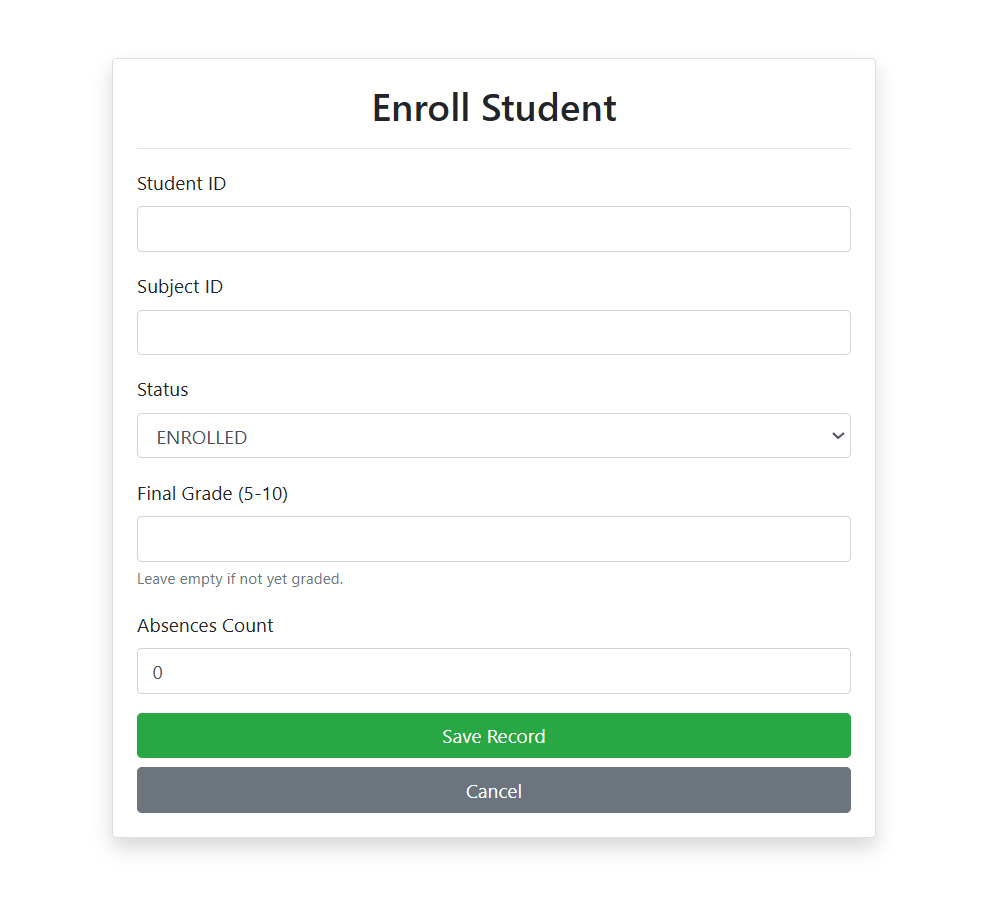
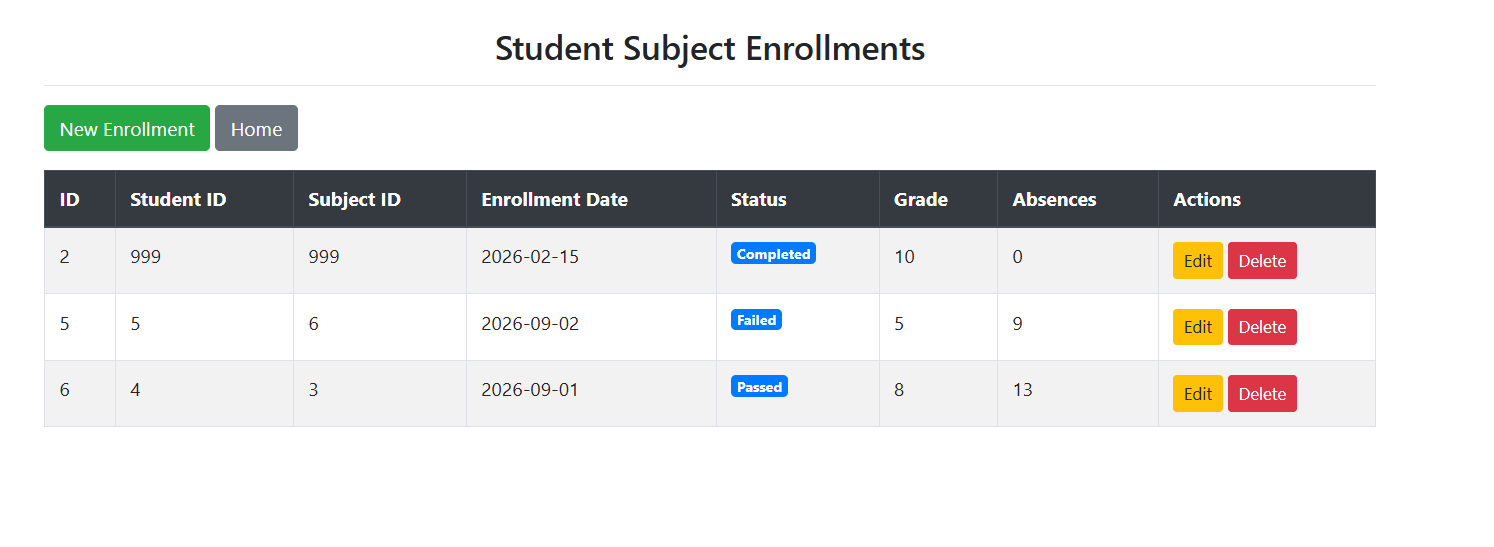
Implementation Screenshots

Attachments (2)
- edit_enrollment_form.png (27.1 KB ) - added by 3 weeks ago.
- enrollment_table.png (31.4 KB ) - added by 3 weeks ago.
Download all attachments as: .zip
Note:
See TracWiki
for help on using the wiki.