Add chapter to the story
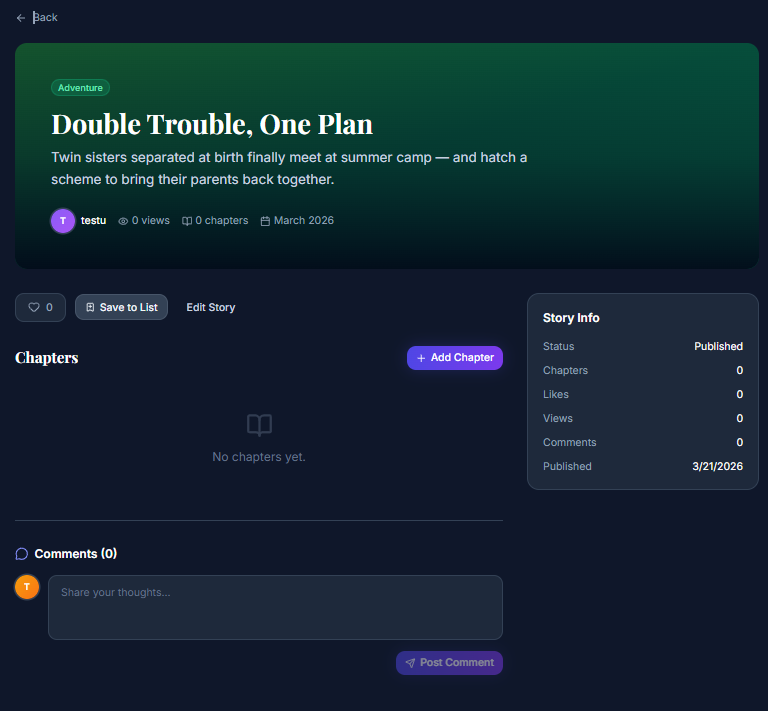
- When the story is created and we are on the story details page, we can see the button to add a chapter to the story, and we click on it.

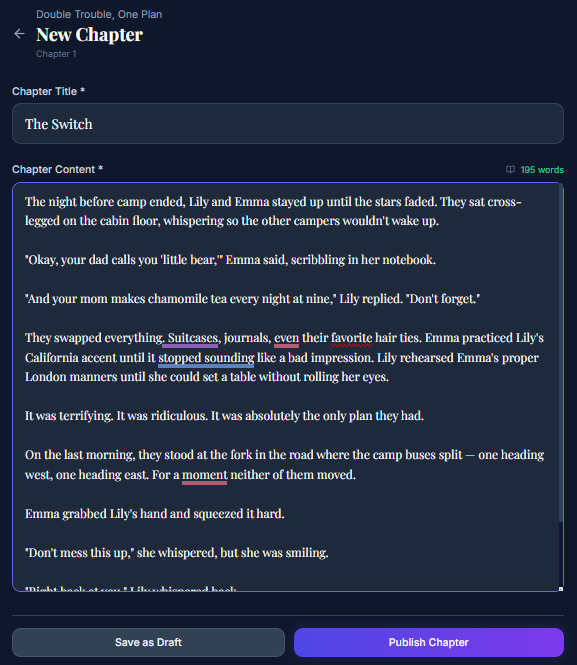
- When we click the button, we are redirected to the Create Chapter page, where we can add a chapter title and content. We can also see a word count for the chapter. After we finish writing the chapter, we publish it.

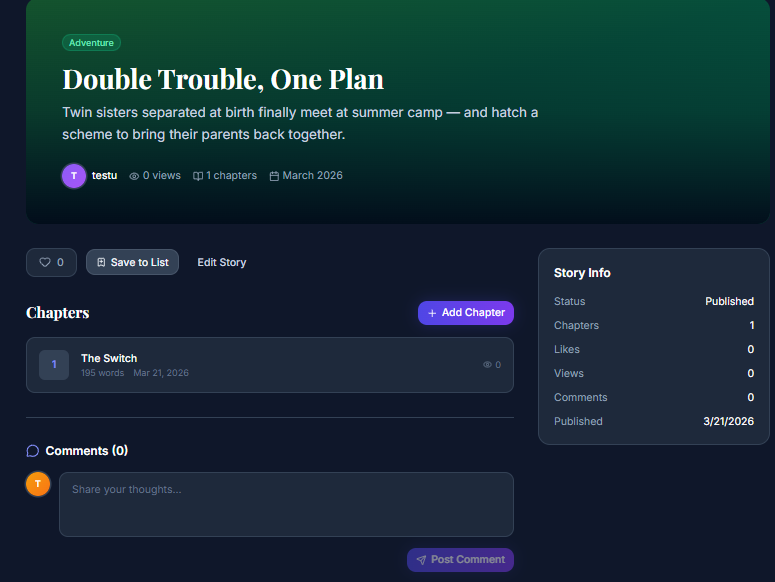
- After publishing the chapter, we are redirected to the story details page, where we can see our chapter listed under the Chapters tab. Clicking on it allows us to view it.

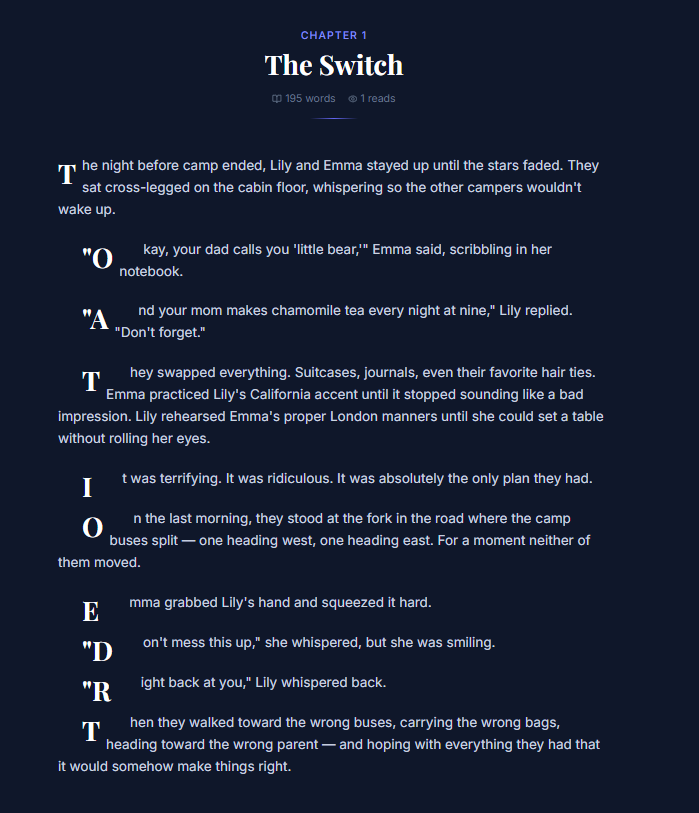
- After being redirected to the chapter details page, we can see how our chapter looks.

Last modified
7 months ago
Last modified on 03/21/26 18:34:10
Attachments (4)
- story4.png (112.5 KB ) - added by 7 months ago.
- chapter1.png (93.2 KB ) - added by 7 months ago.
- chapter2.png (111.0 KB ) - added by 7 months ago.
- chapter3.png (104.5 KB ) - added by 7 months ago.
Download all attachments as: .zip
Note:
See TracWiki
for help on using the wiki.