Regular User Likes and Comments On Story
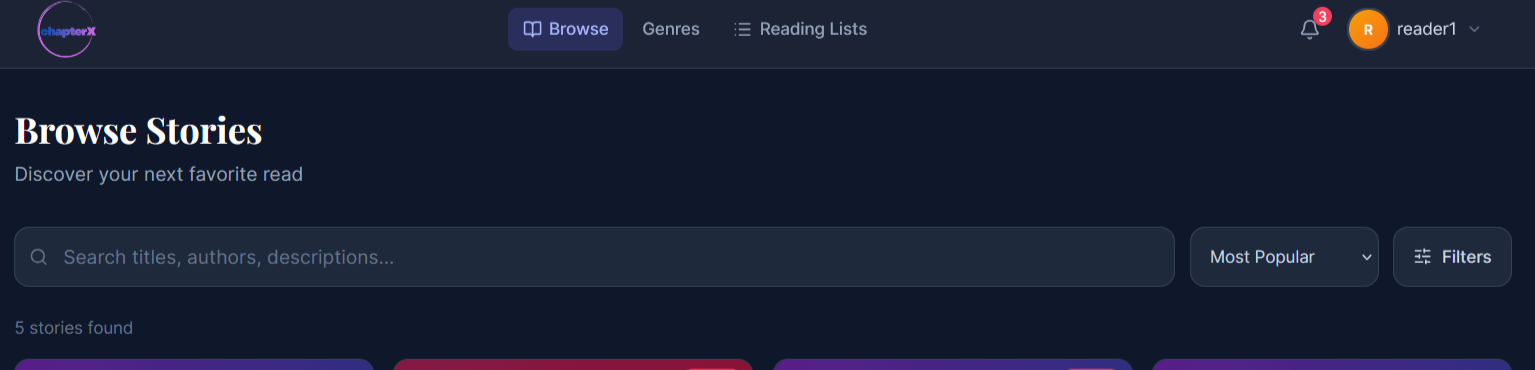
- When the user is logged in as a reader, they cannot write stories, only read them. So now we are on the Browse screen where the user can find stories.

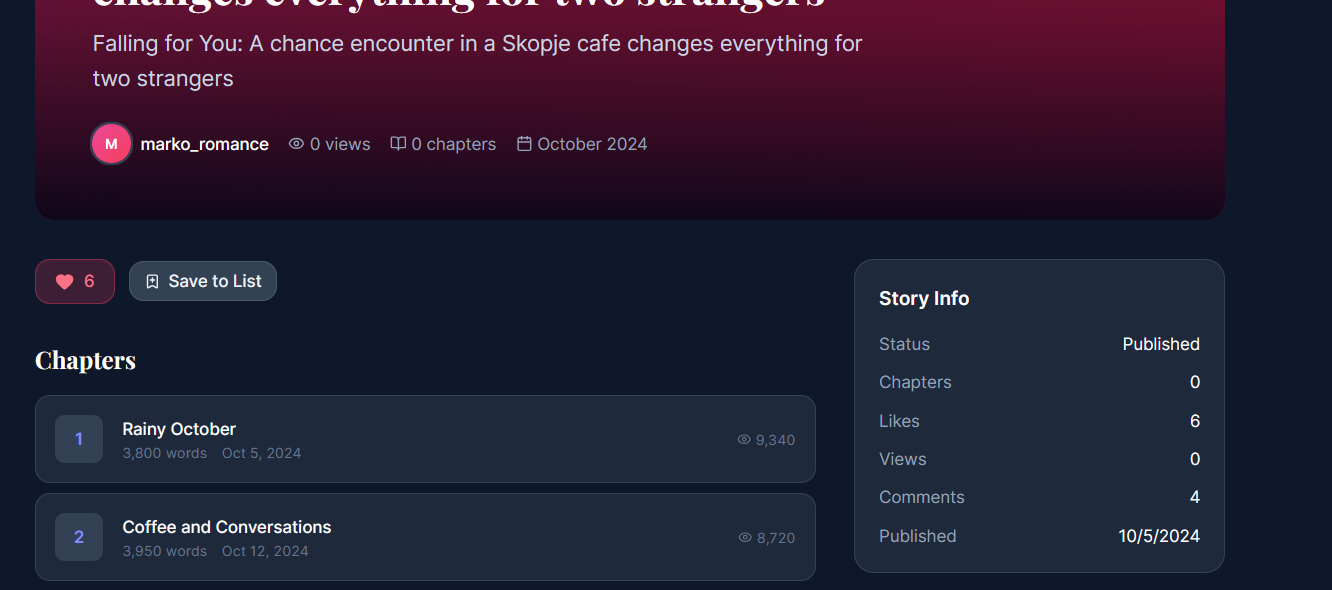
- After clicking on a story, we are navigated to the story details screen where the user can like or comment on stories. First, the user likes the story and the author will be notified. Also, the story info panel will be updated, showing that the number of likes and comments has increased.

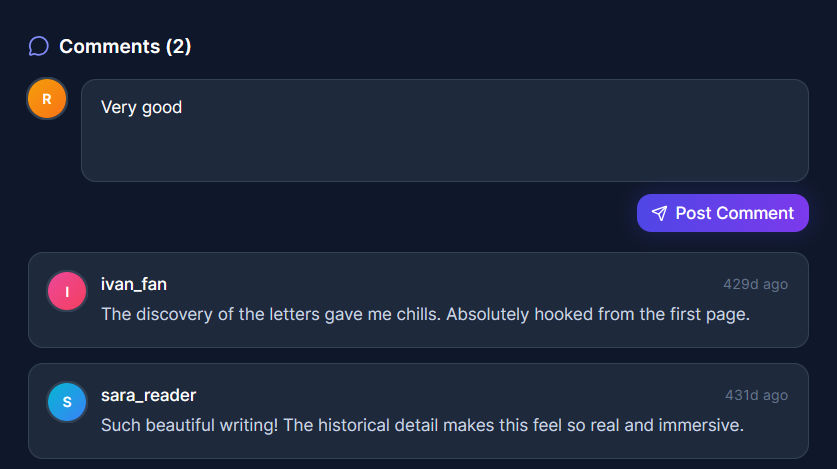
- Now the reader writes a comment for the story and clicks on Publish.
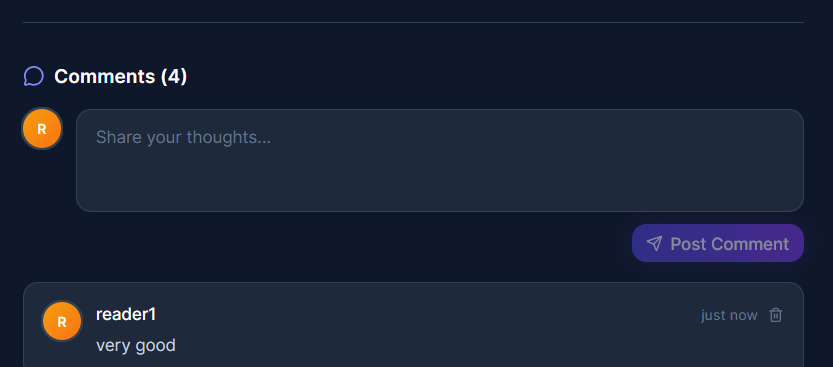
 4.After publishing, we can see the comment that the reader has added.

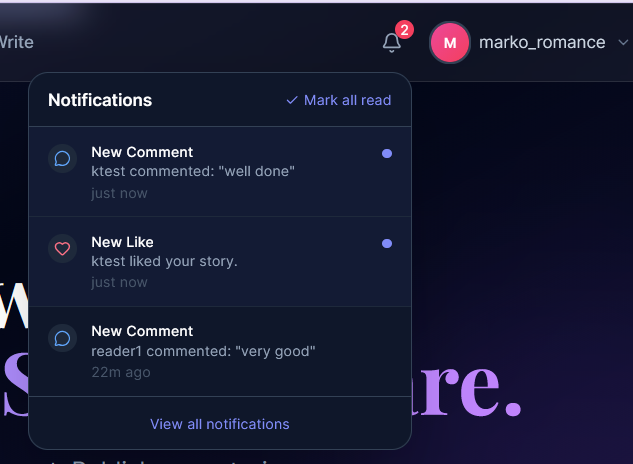
- Now we are logged in as the author of the story, and in the notification panel there will be a notification that someone has liked and commented on our story.

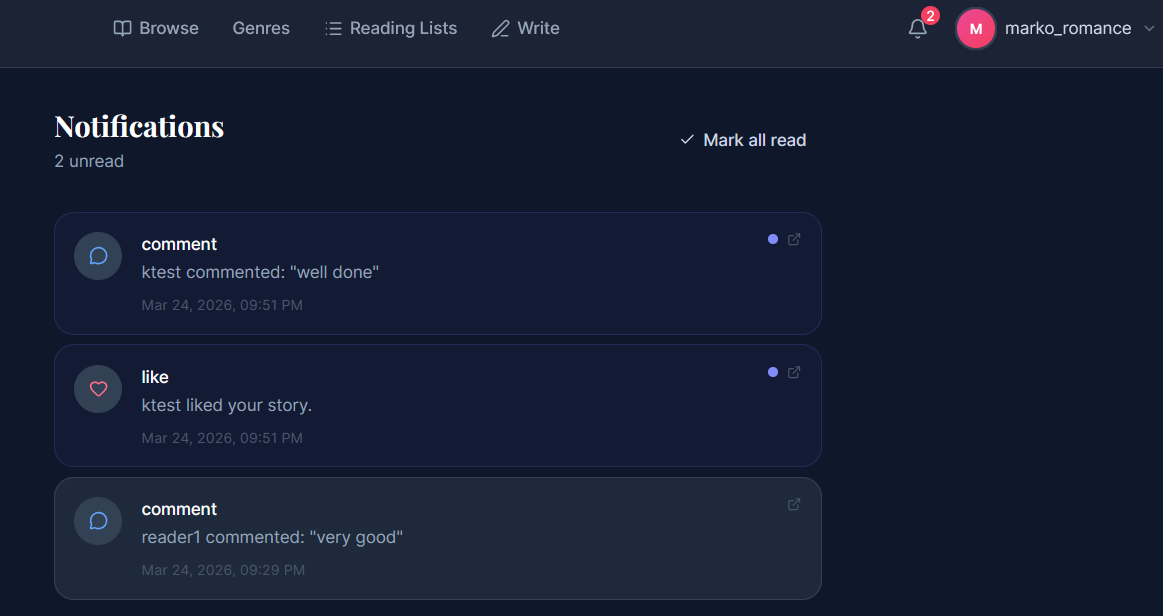
- If we wish, we can see the full list of notifications by clicking on View All Notifications, which will take us to the notifications screen.

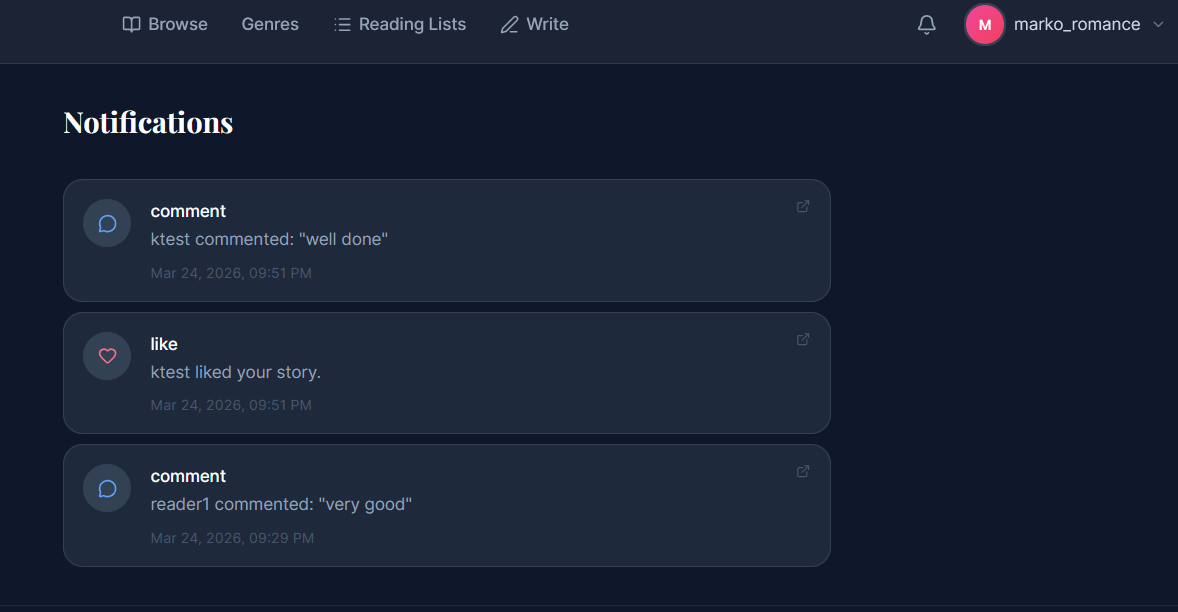
- Now, when we see all the notifications, instead of opening them individually, we simply click on Mark All as Read.

Last modified
7 months ago
Last modified on 03/24/26 22:09:34
Attachments (7)
- likeCom.png (83.0 KB ) - added by 7 months ago.
- likeCom1.png (201.3 KB ) - added by 7 months ago.
- likeCom2.png (52.2 KB ) - added by 7 months ago.
- likeCom3.png (28.3 KB ) - added by 7 months ago.
- likeCom4.png (110.4 KB ) - added by 7 months ago.
- likeCom5.png (58.8 KB ) - added by 7 months ago.
- likeCom6.png (54.3 KB ) - added by 7 months ago.
Download all attachments as: .zip
Note:
See TracWiki
for help on using the wiki.