Product Creation
Presentation:
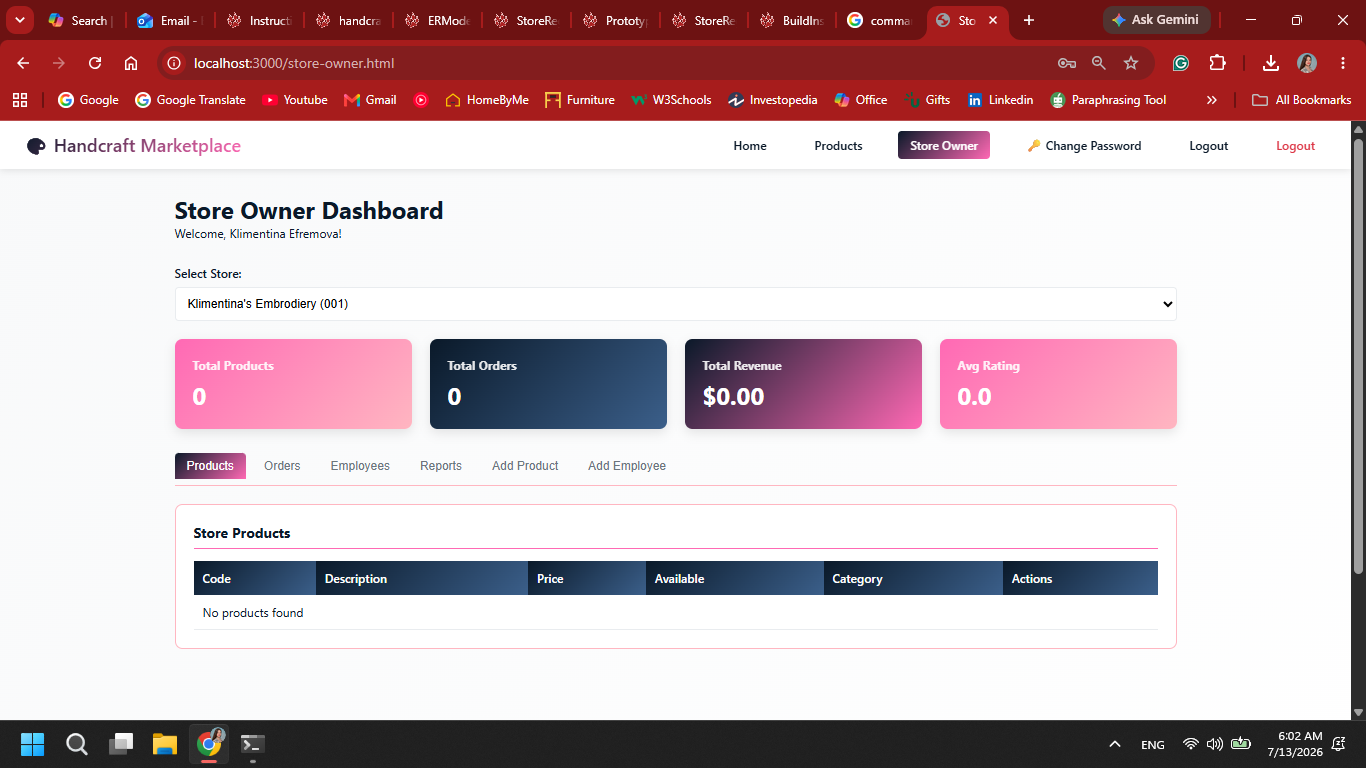
1. The user selects “Create Product” on their dashboard. It is available only if they have permission for creation of products.

2. If there is no category for the certain product, they have option to create a new category. Otherwise this step is skipped.
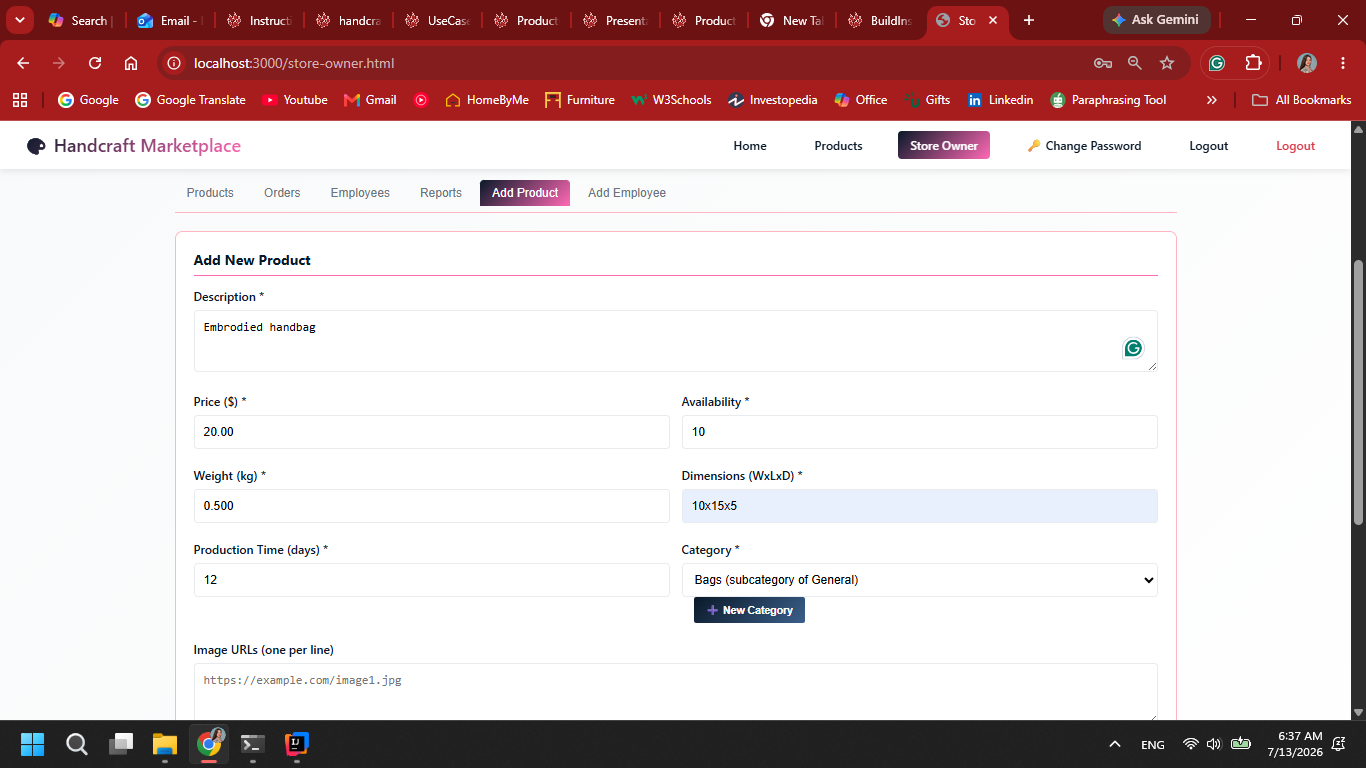
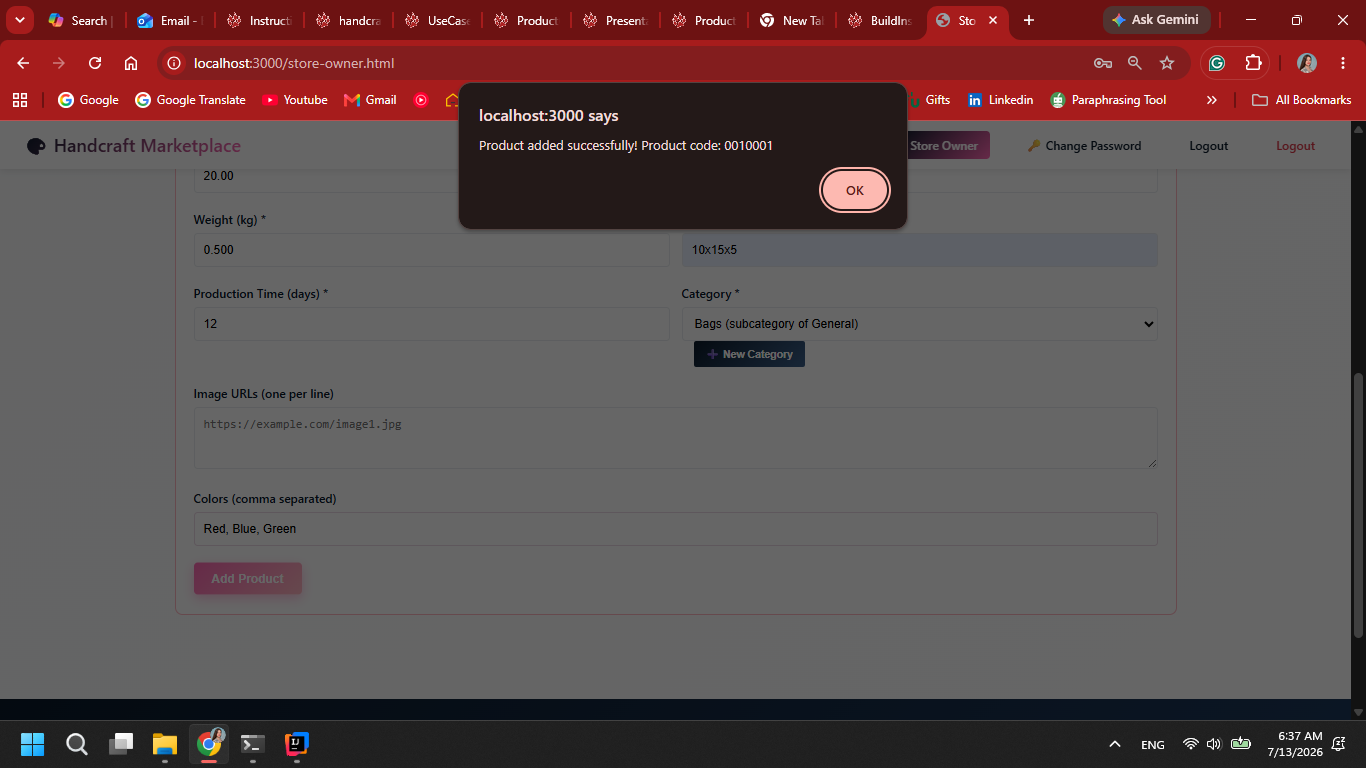
3. Product information is entered.


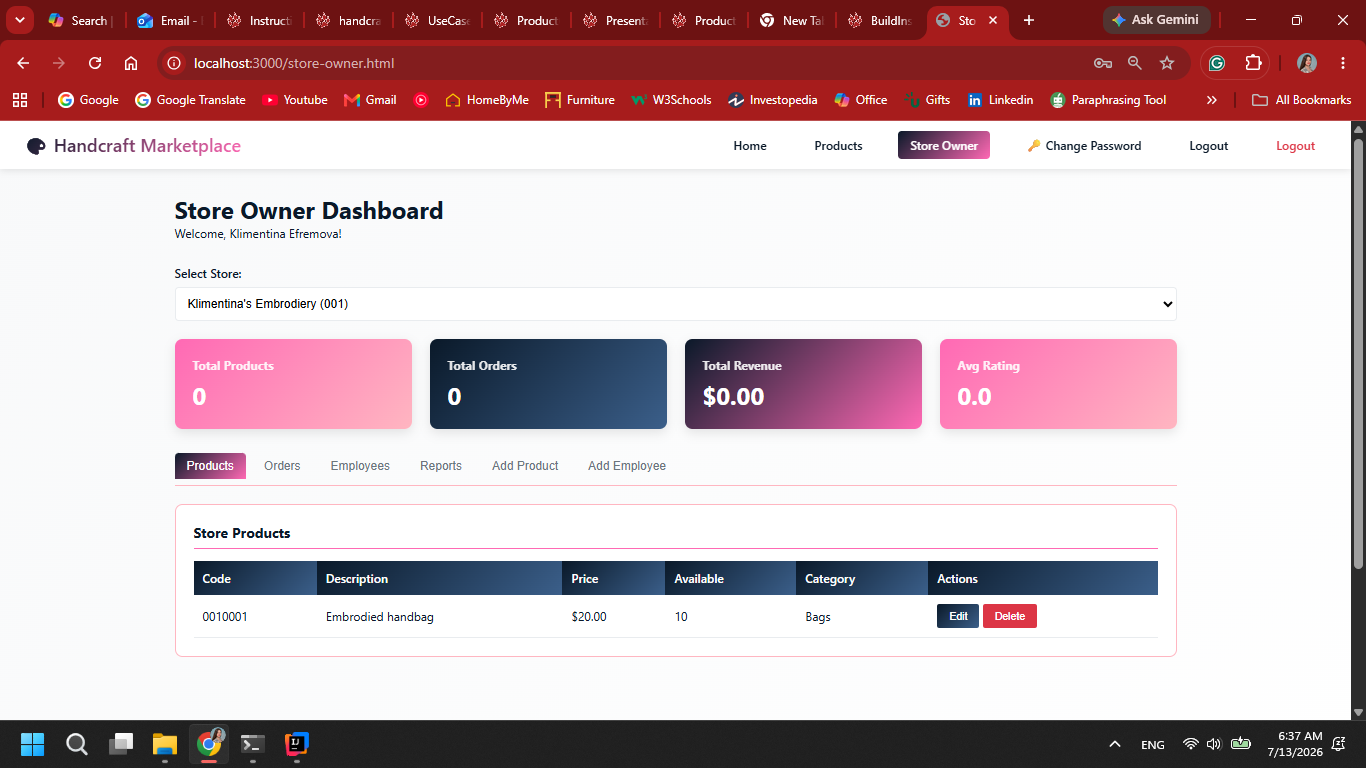
5. After successfull addition, the product is shown publicly with the other products.

Last modified
4 months ago
Last modified on 07/13/26 06:46:12
Attachments (4)
- Store-Owner.png (237.3 KB ) - added by 4 months ago.
- Product-Registration.png (156.9 KB ) - added by 4 months ago.
- Product-Registered.png (140.2 KB ) - added by 4 months ago.
- Store-Owner-Products.png (240.5 KB ) - added by 4 months ago.
Download all attachments as: .zip
Note:
See TracWiki
for help on using the wiki.