UseCase18PrototypeImplementation - System Administrator Manages Users
Initiating Actor - System Administrator
Description
A system administrator creates new user accounts. The admin can register doctors, patients, and other users by entering their data directly into a form.
Scenario
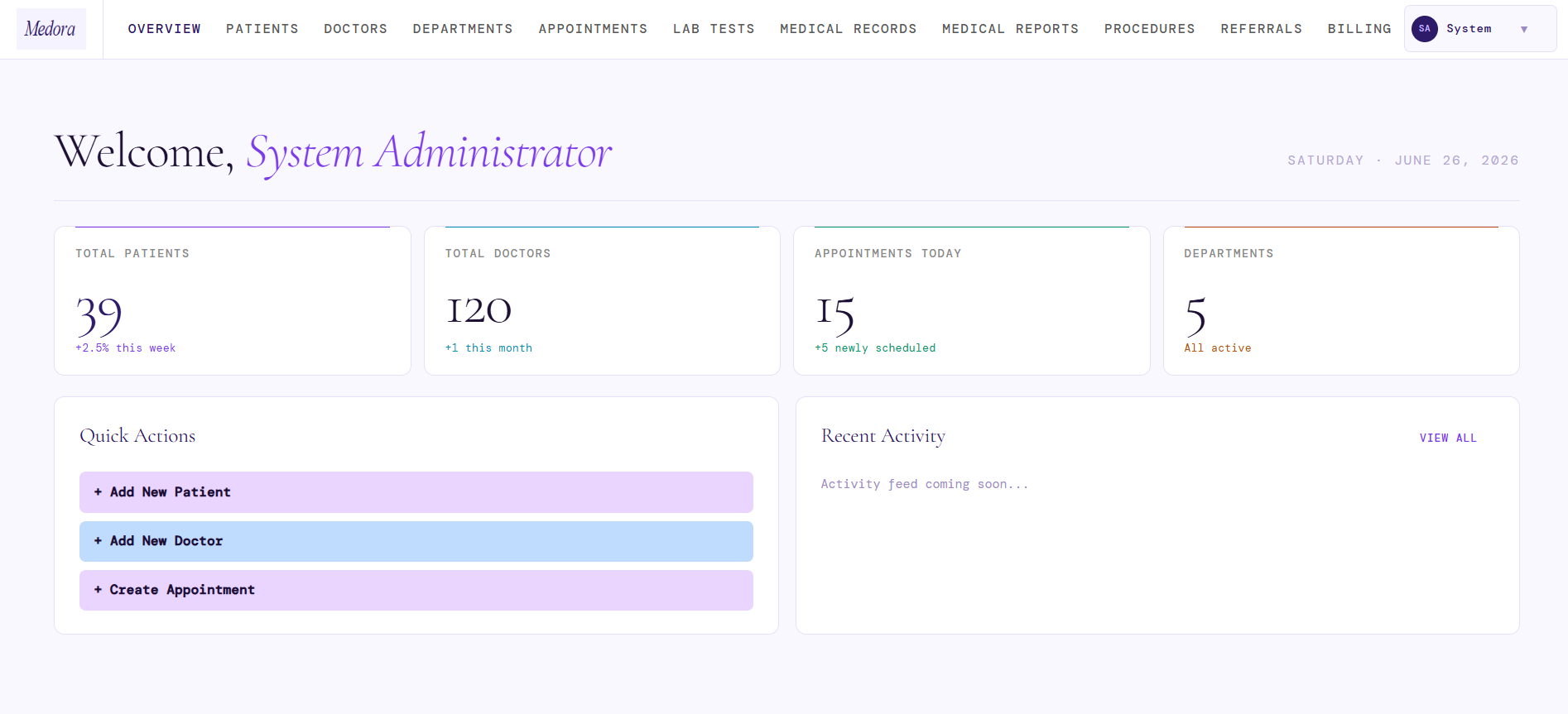
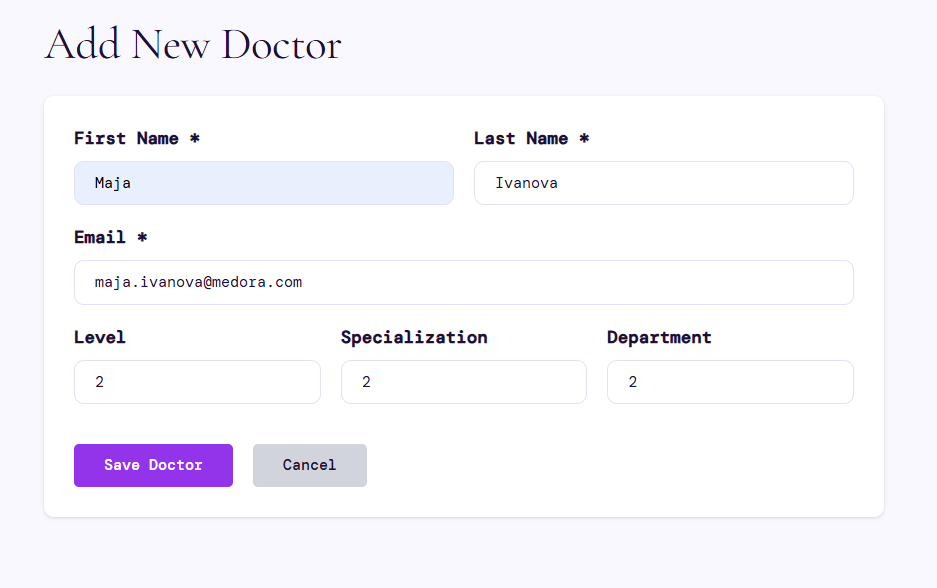
1.System Admin navigates to the user management section and clicks "Add New Doctor".
 )]]
)]]
- System Admin fills in the doctor's information and submits the form. Since the doctor profile requires a linked login account, the system creates the user account first.
 )]]
)]]
INSERT INTO users (username, password, role, first_name, last_name, is_active)
VALUES (
    'maja.ivanova@medora.com',
    '$2b$12$slaz0XboBErLVSsQBaQSQOkl2uOd8/RiEzyovbImHAS95rtMvKDiO',
    'DOCTOR',
    'Maja',
    'Ivanova',
    TRUE
)
RETURNING user_id;
- System creates the doctor profile linked to that newly created user account.
INSERT INTO doctors (doctor_id, first_name, last_name, email_address, level_id, specialization_id, department_id, user_id)
VALUES (
    (SELECT COALESCE(MAX(doctor_id), 0) + 1 FROM doctors),
    'Maja',
    'Ivanova',
    'maja.ivanova@hospital.com',
    2,
    2,
    2,
    (SELECT MAX(user_id) FROM users)
)
RETURNING doctor_id;
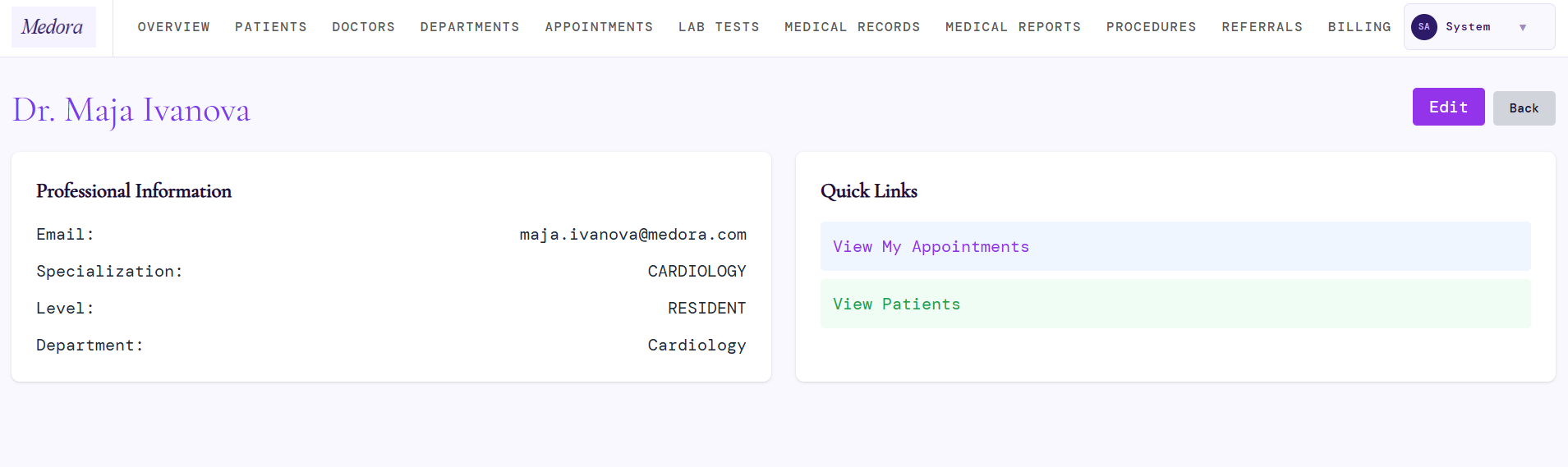
- System displays the updated doctor list confirming the new account.
 )]]
)]]
SELECT
    u.user_id,
    u.username,
    u.role,
    d.first_name,
    d.last_name,
    u.is_active,
    ds.specialization_name,
    dep.department_name,
    dl.level
FROM doctors d
JOIN users u ON u.user_id = d.user_id
LEFT JOIN doctor_specialization ds ON d.specialization_id = ds.specialization_id
LEFT JOIN departments dep ON d.department_id = dep.department_id
LEFT JOIN doctor_level dl ON d.level_id = dl.level_id
ORDER BY u.username;
Last modified
13 days ago
Last modified on 09/22/26 21:21:42
Attachments (3)
- uc018-1.png (93.3 KB ) - added by 3 months ago.
- uc-018-2.png (31.7 KB ) - added by 3 months ago.
- uc018-3.png (60.3 KB ) - added by 3 months ago.
Download all attachments as: .zip
Note:
See TracWiki
for help on using the wiki.