Use-case 3 - View Components
Initating actor: Guest or User
Other Actors: /
The user wants to browse PC components in the system and optionally filter the results by brand or/and by price. The system returns only the components that match the selected criteria.
Scenario
Step 1. User clicks on COMPONENTS button in the navigation bar.
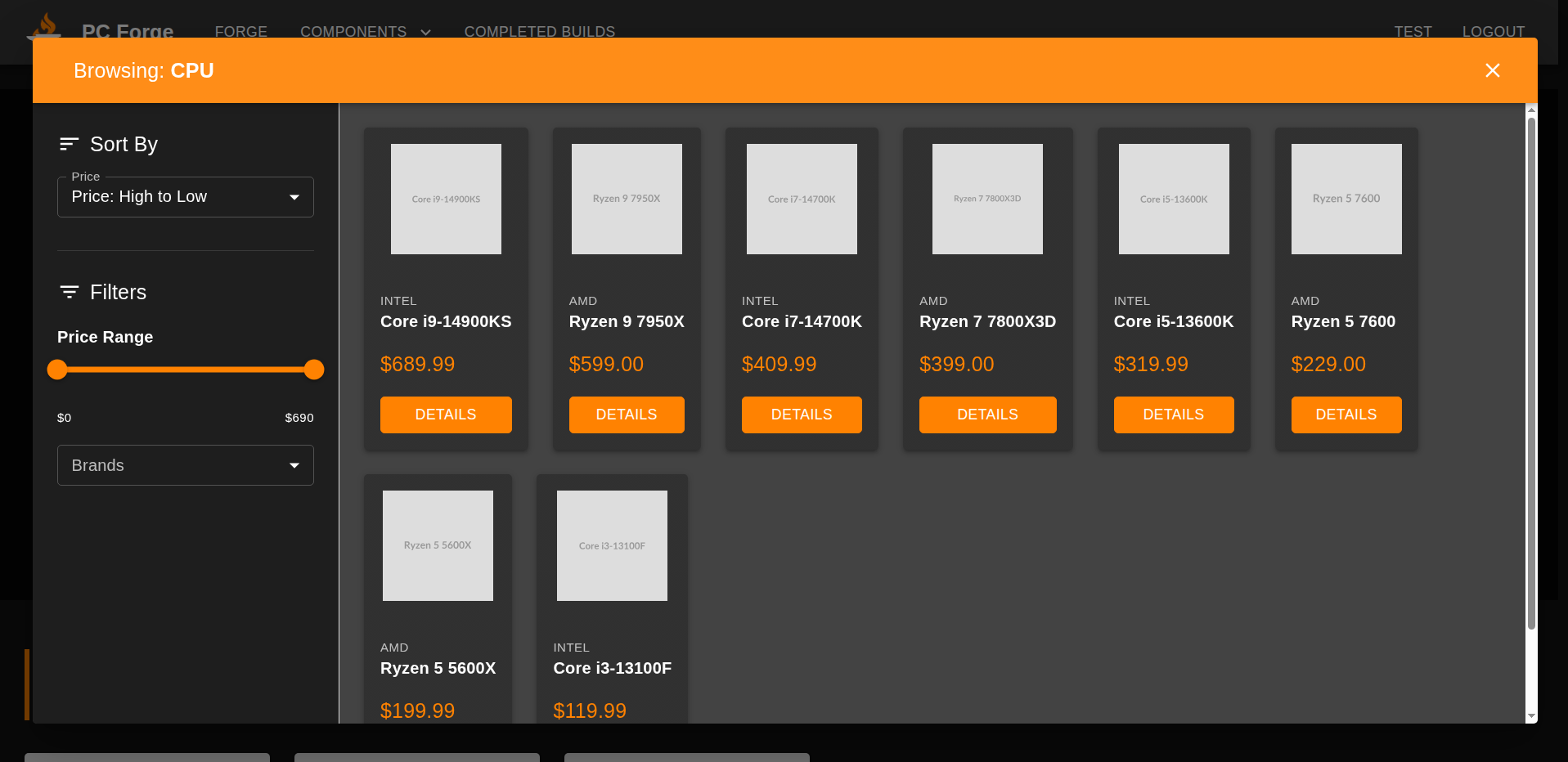
Step 2. User selects component category (for example Processors)
 Step 3. System queries the database
SELECT *
FROM components
WHERE type = 'cpu'
ORDER BY price DESC
LIMIT 100;
Step 4. System returns components from the "Processor" category.
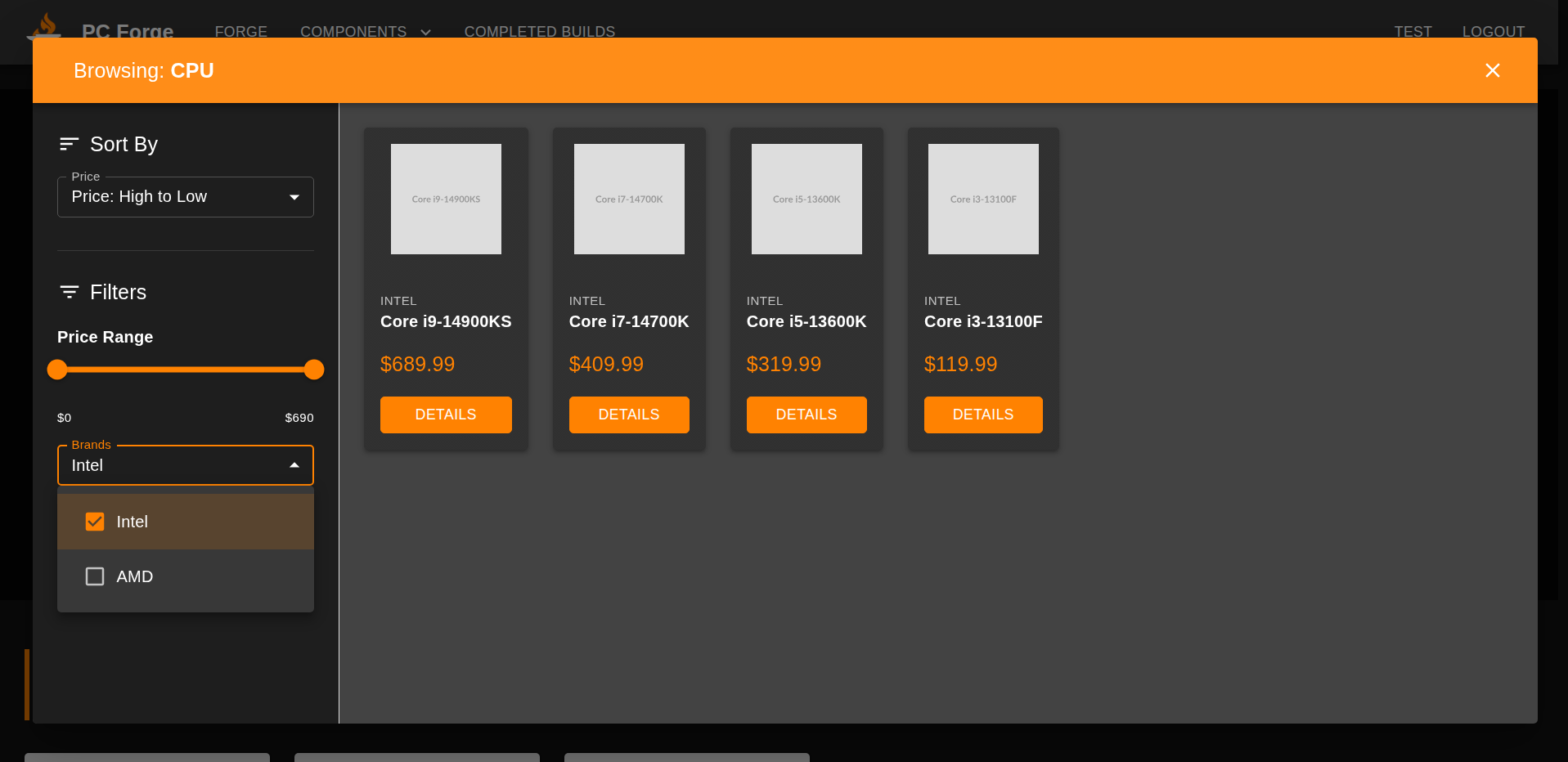
 Step 5. Optionally the user can apply a brand filter on the left side of the panel, for example filtering all components that are made by "Intel".

Last modified
10 months ago
Last modified on 12/28/25 03:04:40
Attachments (3)
- select.png (109.6 KB ) - added by 10 months ago.
- processor.png (135.5 KB ) - added by 10 months ago.
- intel.png (94.7 KB ) - added by 10 months ago.
Download all attachments as: .zip
Note:
See TracWiki
for help on using the wiki.